

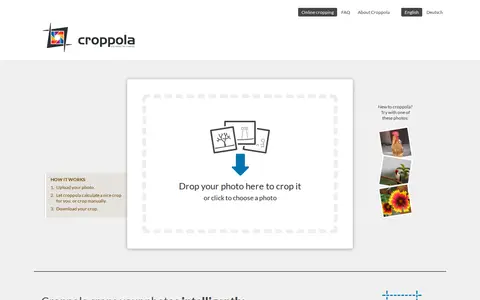

Croppola is a free online photo cropping tool that analyzes a photo's composition and suggests the best crop. Users drop a photo, choose an aspect ratio and download the crop, or crop manually. It is intended for use on a laptop or desktop computer, and the technology is also offered through an API.
imgupscaler
ImgUpscaler is an online tool that uses AI super-resolution to enlarge images by 2x or 4x. It supports JPG, PNG, WebP and AVIF files, and paid plans unlock batch processing. Uploaded images and results are automatically deleted within 24 hours, and results may be used for personal or commercial projects.
Features
- AI super-resolution to enlarge images by 2x or 4x Source: imgupscaler.com
Links
Tags
-
0Croppola is a free online photo cropping tool that analyzes a photo's composition and suggests the best crop. Users drop a photo, choose an aspect ratio and download the crop, or crop manually. It is intended for use on a laptop or desktop computer, and the technology is also offered through an API.
-
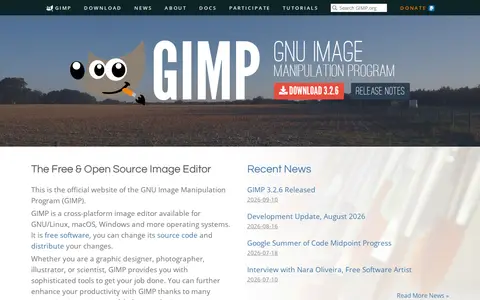
0GIMP, the GNU Image Manipulation Program, is a free and open source image editor available for GNU/Linux, macOS, Windows and other systems. It is used for photo retouching, image composition and image authoring, with extensibility through plugins and scripting languages.
-
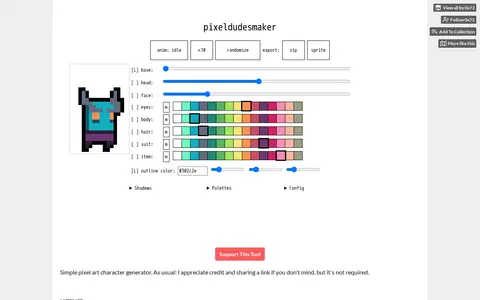
0pixeldudesmaker is a simple pixel art character generator presented as an HTML5 prototype tool. Its license permits free use of generated assets in commercial or non-commercial projects, provided the assets are not used as NFTs. The software is provided as is, without warranty.
-
0
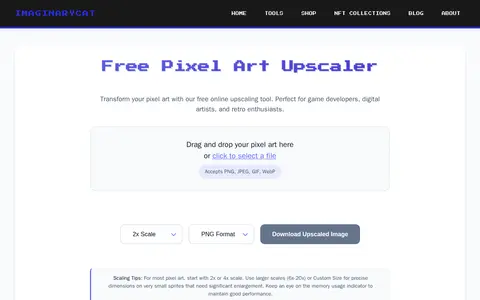
Free online tool that upscales pixel art while preserving crisp edges, using nearest-neighbor scaling. It offers preset scale factors from 2x to 20x and custom sizes, accepts PNG, JPEG, GIF and WebP input, and allows downloads in PNG, JPEG, WebP or SVG.
-
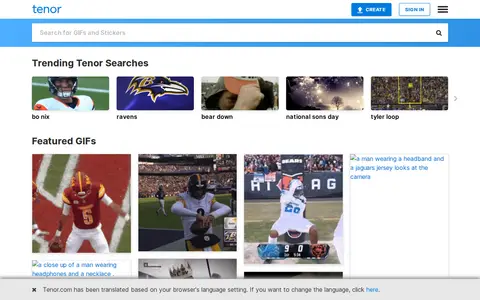
0Tenor is a GIF keyboard and search service for finding animated GIFs and videos to use in conversations. It presents trending searches and featured GIFs and offers options to share or embed GIFs.
-
0PicFont is a web tool for adding text to photos. Users can upload an image from a computer or device, choose a canvas size, and add text with effects such as curved text, glow, gradient and textures. The finished image can be downloaded for free. Its page states that designs can start from templates, models and illustrations.
Community notes
Reviews and discussion
No reviews yet
Be the first to share how this project worked for you.
Join the discussion
Sign in with a verified account to leave a review or join the discussion.
Sign in to review