





breadcloud.net
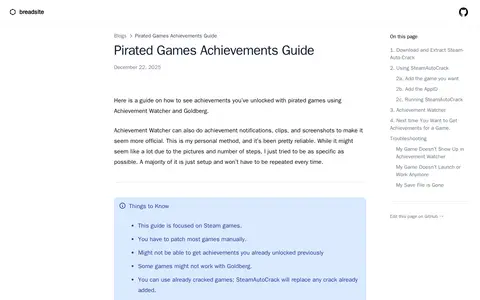
This is a guide for viewing achievements unlocked in pirated Steam games using Achievement Watcher and Goldberg. It covers SteamAutoCrack setup, adding a game folder and AppID, and installing Achievement Watcher. It notes that most games must be patched manually, some games might not work with Goldberg, and previously unlocked achievements might not be retrievable.