





Screensy is a peer-to-peer screen sharing tool that runs in a web browser. It requires browser support for screensharing, WebSocket, WebRTC and MediaStream, and it connects users over a WebSocket connection. Access to the screen must be granted for sharing to work.
DWS
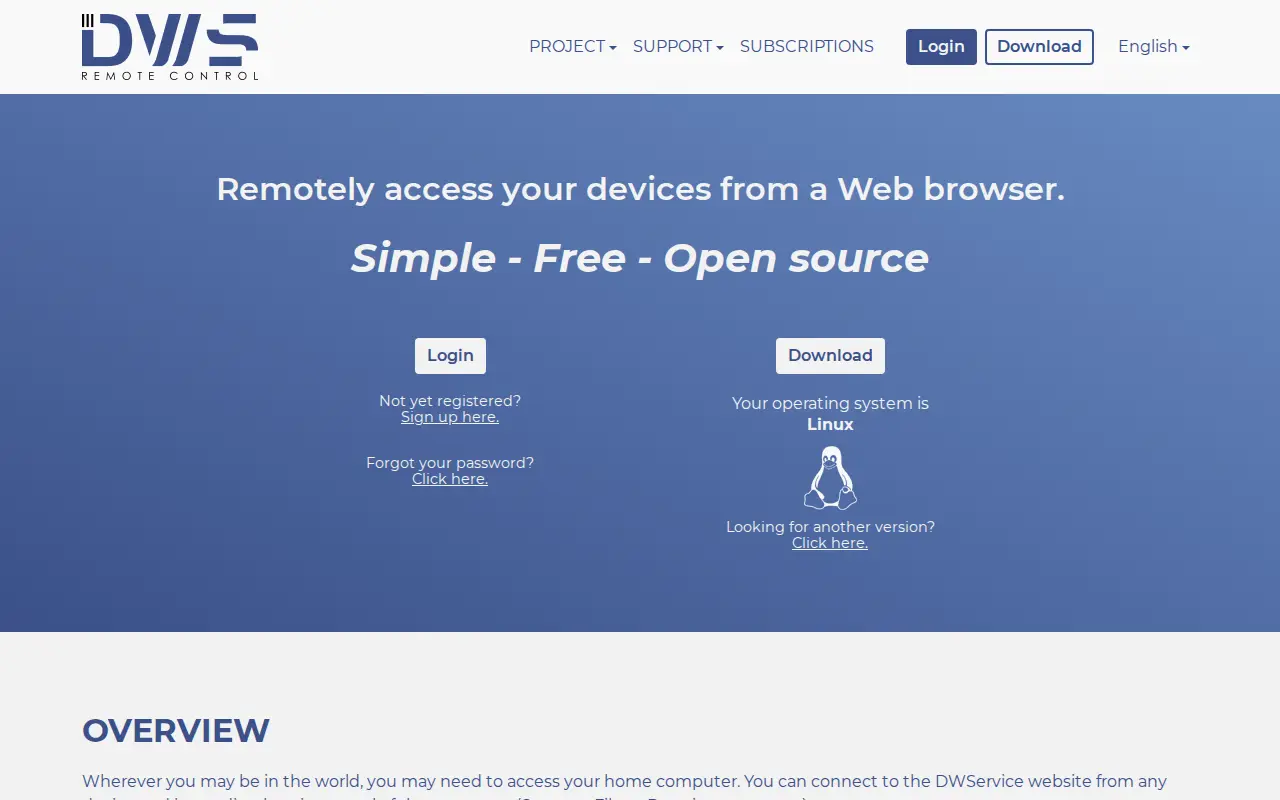
DWS is a system utility for Windows, hardware checks, cleanup, process control, or desktop customization.
Links
Tags
-
0
Screensy is a peer-to-peer screen sharing tool that runs in a web browser. It requires browser support for screensharing, WebSocket, WebRTC and MediaStream, and it connects users over a WebSocket connection. Access to the screen must be granted for sharing to work.
-
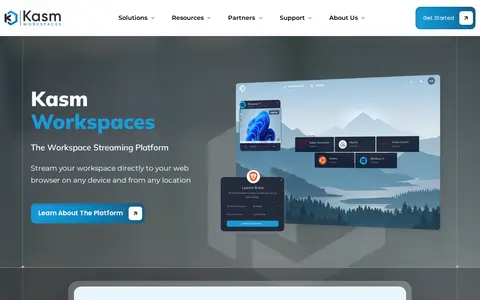
0Kasm Workspaces is a platform that streams applications, desktops and web resources to a web browser. It covers remote browser isolation, Desktop as a Service and OSINT workloads. Editions include Community, Starter and Enterprise.
-
0Parsecteam is a system utility for Windows, hardware checks, cleanup, process control, or desktop customization.
-
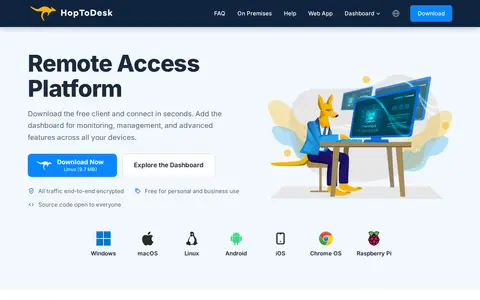
0HopToDesk is free and secure remote desktop software for Windows, Mac, Linux, Android, iOS, and Raspberry Pi, used for remote support, control, monitoring, screen share, file transfer, and live chat. It is free for personal and business use, with open source code and end-to-end encrypted traffic. A separate dashboard adds device management, ticketing, and white-label clients on paid plans.
-
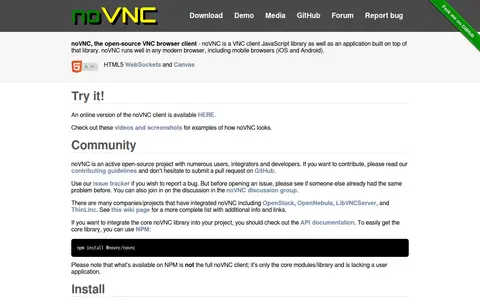
0noVNC is an open-source VNC browser client, distributed as a JavaScript library and an application built on it. It runs in modern browsers, including mobile browsers on iOS and Android, and uses HTML5 WebSockets and Canvas. It requires a browser with support for modern features and does not work in Internet Explorer. The license is MPL-2.0.
-
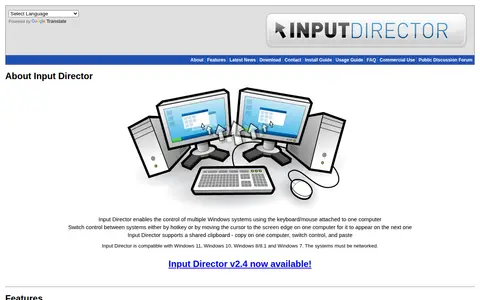
0Input Director is software that lets one keyboard and mouse control multiple Windows systems on the same network. Control switches between computers by hotkey or by moving the cursor to a screen edge, and a shared clipboard allows copying and pasting between computers. It supports multi-monitor layouts, Windows fast user switching, and version 2.4 is available.
Community notes
Reviews and discussion
No reviews yet
Be the first to share how this project worked for you.
Join the discussion
Sign in with a verified account to leave a review or join the discussion.
Sign in to review