



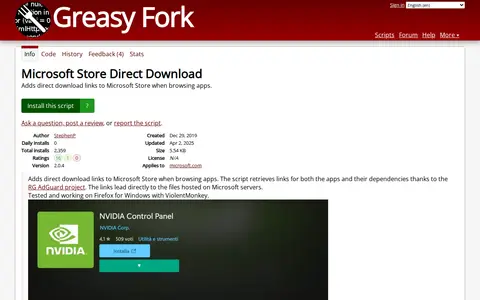

A browser userscript that adds direct download links to Microsoft Store pages when browsing apps. It uses the RG AdGuard project to retrieve links for apps and their dependencies, pointing to files hosted on Microsoft servers. The author reports it as tested on Firefox for Windows with ViolentMonkey.
Consent-O-matic
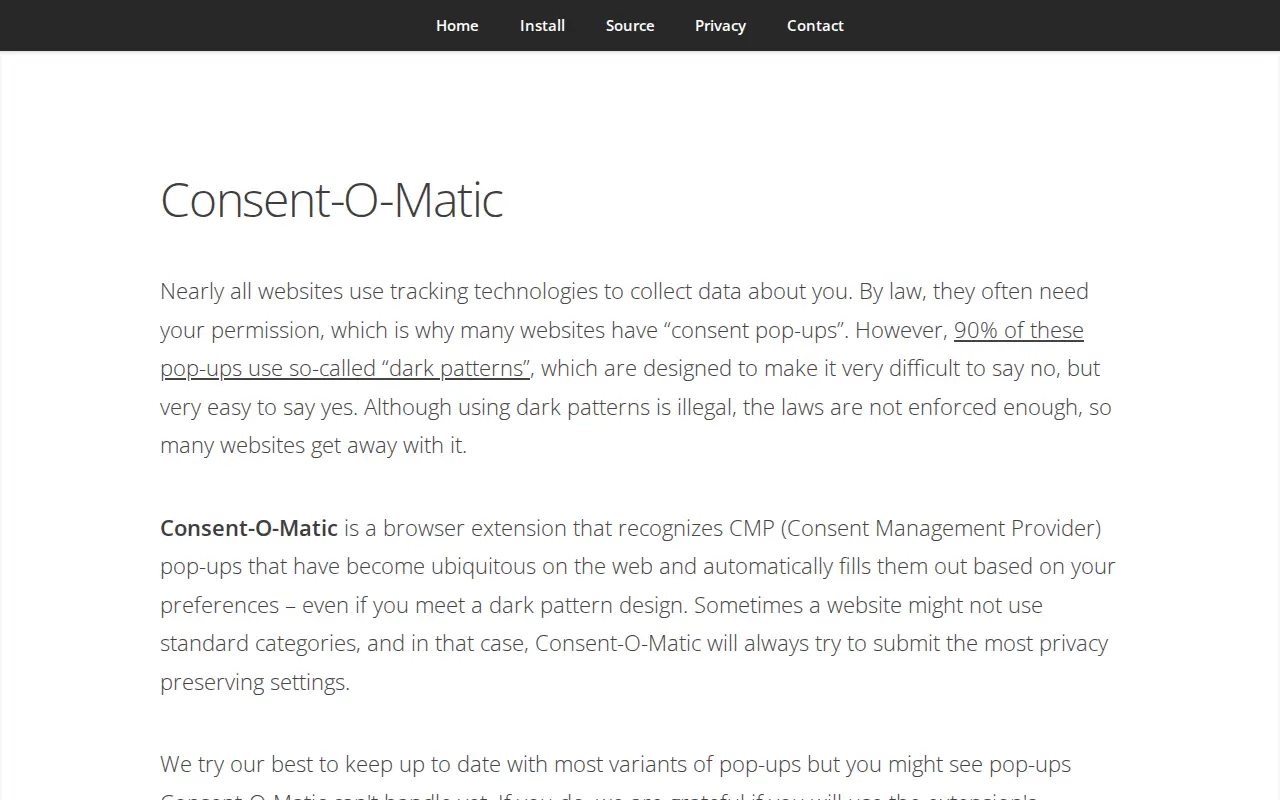
Consent-O-Matic is a browser extension that recognizes consent pop-ups from consent management providers and fills them out based on the user's preferences, attempting privacy-preserving settings where standard categories are absent. It is available for Chrome, Edge, Firefox and Safari on desktop, and Safari on mobile. The developers note some pop-ups may not yet be handled and offer a reporting mechanism.
Features
- automatically fills them out based on your preferences Source: consentomatic.au.dk
Platforms
- Chrome, Firefox, Safari and Edge for the desktop and Safari for mobile Source: consentomatic.au.dk
Links
Tags
-
0A browser userscript that adds direct download links to Microsoft Store pages when browsing apps. It uses the RG AdGuard project to retrieve links for apps and their dependencies, pointing to files hosted on Microsoft servers. The author reports it as tested on Firefox for Windows with ViolentMonkey.
-
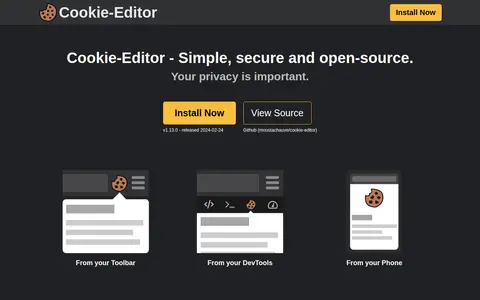
0Cookie-Editor is an open-source browser extension for creating, editing and deleting cookies for the current tab. It lists cookies on the current page, allows creating, editing and deleting cookies, and can import cookies or export them to the clipboard. It is available for Chrome, Firefox, Safari, Edge and Opera.
-
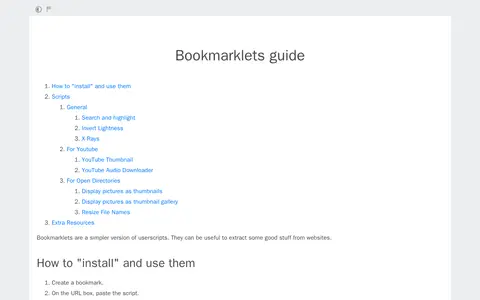
0A guide page about bookmarklets, small scripts described as a simpler version of userscripts that can be used to extract content from websites. It explains how to create a bookmark and paste the script into the URL box to install and use one. It lists scripts for search and highlight, inverting lightness, YouTube thumbnails, YouTube audio downloading, and displaying open-directory pictures as thumbnails or a gallery.
-
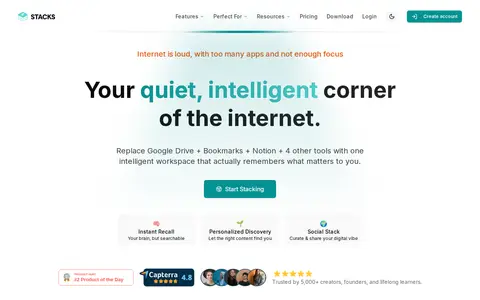
0Stacks is an AI workspace that combines bookmarks, notes, links and files in one place, described as replacing tools such as Google Drive, bookmarks and Notion. A browser extension allows saving pages with one click, and an AI assistant supports search, summaries and connections across saved content.
-
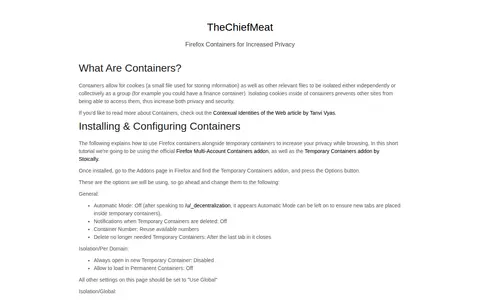
0A guide explaining what Firefox containers are and how to use the Firefox Multi-Account Containers addon with the Temporary Containers addon to increase browsing privacy. It covers installation and configuration steps and describes assigning frequently visited sites to their own containers.
-
0Mozilla web browser focused on open standards, privacy controls, extensions, and cross-device sync.
Community notes
Reviews and discussion
No reviews yet
Be the first to share how this project worked for you.
Join the discussion
Sign in with a verified account to leave a review or join the discussion.
Sign in to review