


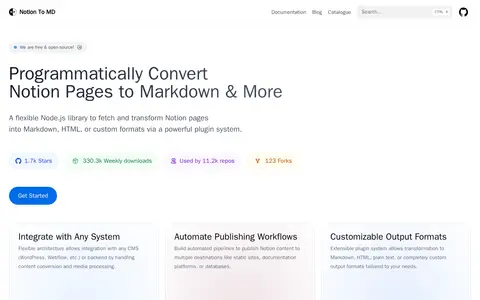

Notion To MD is a free and open-source Node.js library that fetches and converts Notion pages into Markdown, HTML, or custom formats through a plugin system, with configurable media handling. Version 3 is no longer supported and users are directed to upgrade to v4.
Chrome
Chrome helps clean, compare, sort, transform, count, or format text in the browser.
Links
Tags
-
0Notion To MD is a free and open-source Node.js library that fetches and converts Notion pages into Markdown, HTML, or custom formats through a plugin system, with configurable media handling. Version 3 is no longer supported and users are directed to upgrade to v4.
-
0Telegram link is a Telegram channel, bot, or group for updates, links, files, or community posts.
-
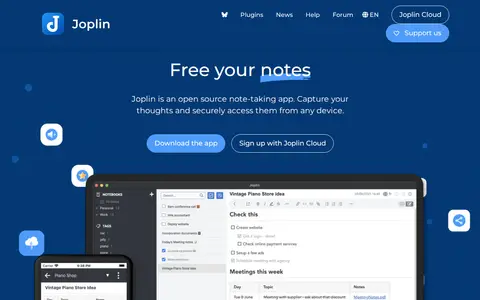
0Joplin is a free, open-source note-taking and to-do application that organises notes into notebooks. Notes are stored in Markdown and are searchable, taggable and editable, with offline-first access, end-to-end encryption, plugins and themes, and sync via services including Nextcloud, Dropbox, OneDrive and Joplin Cloud. Apps exist for Windows, Linux, macOS, Android and iOS, plus a Firefox and Chrome web clipper.
-
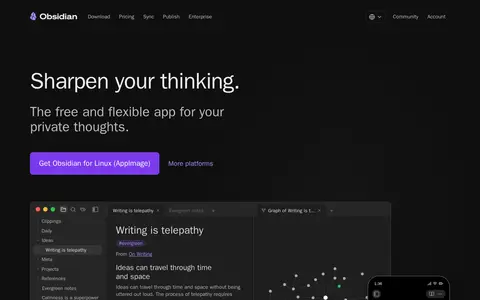
0Obsidian is a free and flexible note-taking app that stores notes privately on the user's device, including offline access. It supports links between notes, a graph view of relationships, Canvas for visual layout, and thousands of plugins and themes. Obsidian Sync provides end-to-end encrypted sync across devices, and Obsidian Publish turns notes into an online site. Optional add-on services are billed per user or site per month, billed annually.
-
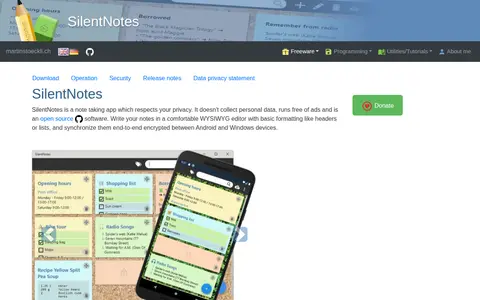
0SilentNotes is an open source cross-platform note-taking app for Android and Windows. It uses a WYSIWYG editor with basic formatting, supports to-do lists and tags, and lets selected notes be protected with a password. Notes synchronize end-to-end encrypted between Android and Windows devices, and the app does not collect personal data and runs without ads.
-
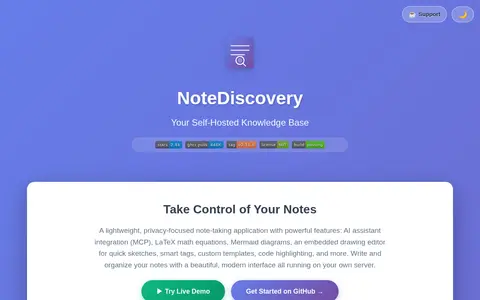
0NoteDiscovery is a self-hosted Markdown knowledge base described as free and open source. It includes wikilinks, graph view, a drawing editor, LaTeX math, and Mermaid diagrams, along with AI assistant integration via MCP. Notes are stored as plain Markdown files in folders, and the project offers a Docker-based setup.
Community notes
Reviews and discussion
No reviews yet
Be the first to share how this project worked for you.
Join the discussion
Sign in with a verified account to leave a review or join the discussion.
Sign in to review