


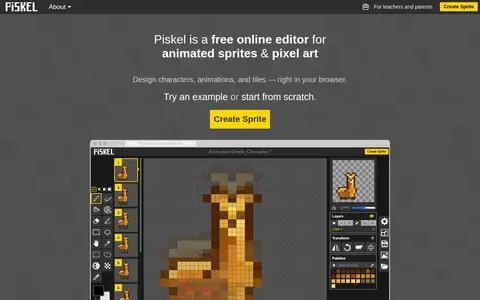
Piskel is a free, open-source web-based editor for spriting and pixel art. It creates pixel art, game sprites and animated GIFs, and is best used in a desktop browser in landscape orientation. The tools include a live animation preview and export to GIF or PNG, including spritesheets. A separate child-friendly version, Piskel for Kids, is available. Free desktop and offline applications exist for Windows, OSX and Linux.
Bulk Image Crop
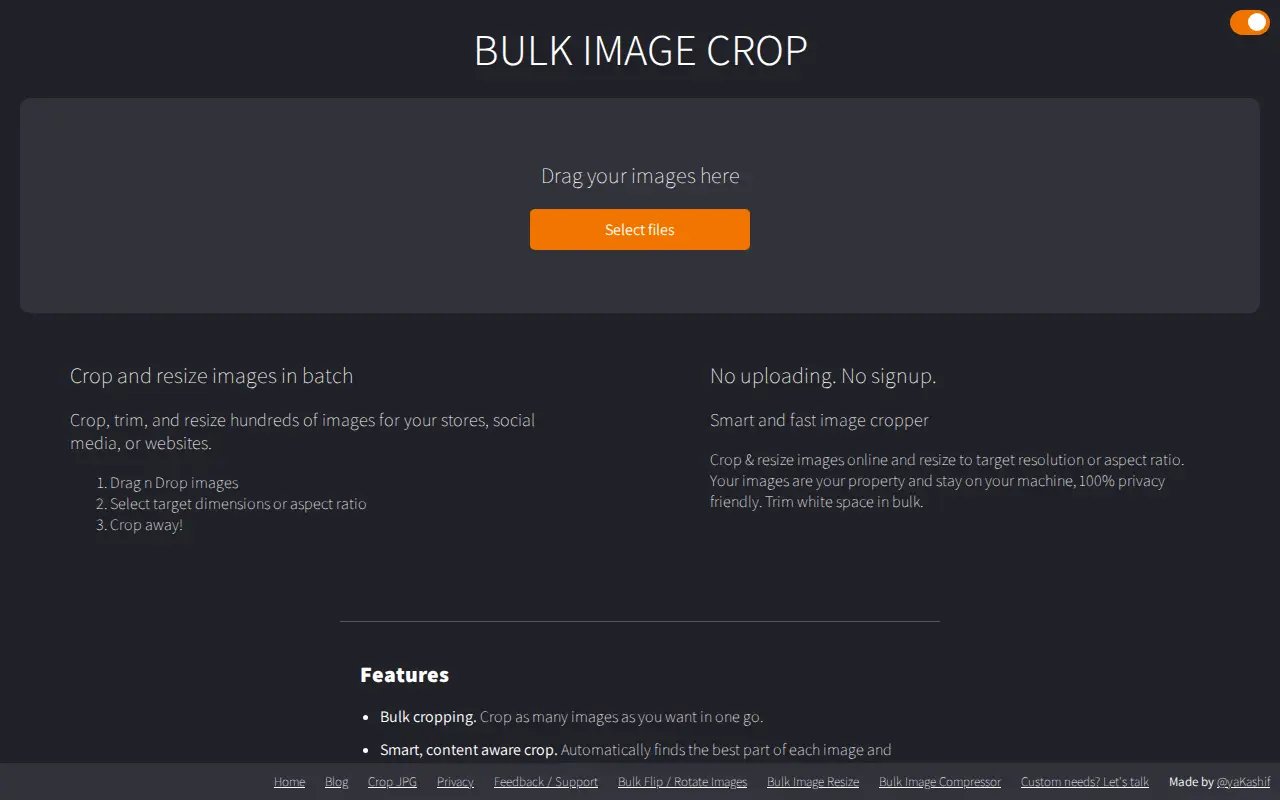
A browser-based tool for cropping and resizing multiple images in batch. It offers content aware cropping, trimming of white space, and resizing to multiple target resolutions or social media sizes, with processing done on the user's device and no upload or signup required.
Features
- Crop multiple images at once to multiple resolutions Source: bulkimagecrop.com
Limitations
- Your images never leave your device Source: bulkimagecrop.com
Links
Tags
-
0Piskel is a free, open-source web-based editor for spriting and pixel art. It creates pixel art, game sprites and animated GIFs, and is best used in a desktop browser in landscape orientation. The tools include a live animation preview and export to GIF or PNG, including spritesheets. A separate child-friendly version, Piskel for Kids, is available. Free desktop and offline applications exist for Windows, OSX and Linux.

-
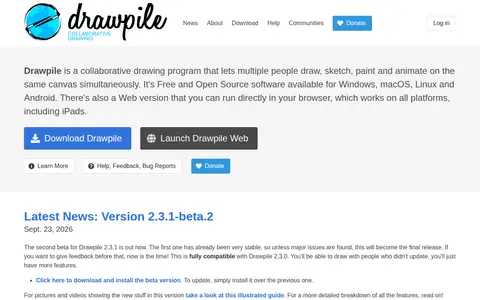
0Drawpile is a free, open source collaborative drawing program that lets multiple people draw, sketch, paint and animate on the same canvas at once. It also works offline as a lightweight drawing program. It is available for Windows, macOS, Linux and Android, plus a browser version.
-
0Minimator is a minimalist graphical editor that runs in the browser and on the go. Drawings are made of lines on a grid-based canvas, and the lines are limited to vertical and horizontal lines and quarter circles.
-
0
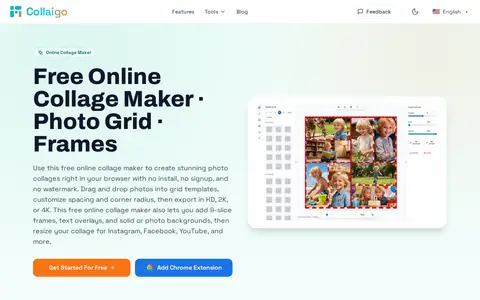
Collaigo is a browser-based collage maker that requires no install or signup and adds no watermark. It offers grid templates, custom rows and columns, canvas presets for social platforms and print, backgrounds, 9-slice frames, text overlays and photo editing, with export in HD, 2K or 4K. Core editing and exporting happen in the browser, and photos are not uploaded to its servers by default.
-
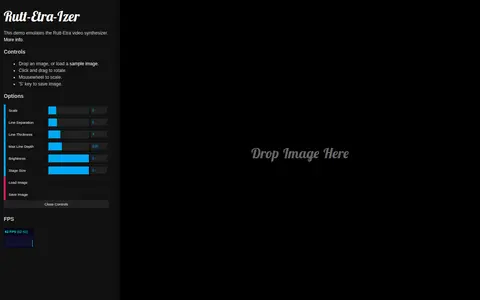
0A browser demo that emulates the Rutt-Etra video synthesizer. Users drop or load an image, click and drag to rotate, use the mousewheel to scale, and press the 'S' key to save the image. An FPS option is also provided.
-
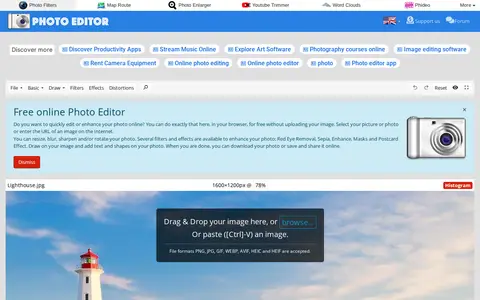
0Online Photo Editor is a browser-based photo editing tool on PhotoEditor.com. It supports cropping, resizing, rotating, flipping, blurring, sharpening, filters, effects, frames, text and shapes, and processes edits in the browser without uploading the image. The site states no registration is required and the editor is free.
Community notes
Reviews and discussion
No reviews yet
Be the first to share how this project worked for you.
Join the discussion
Sign in with a verified account to leave a review or join the discussion.
Sign in to review