everytimezone.com
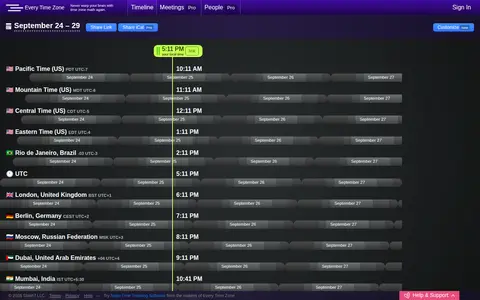
EveryTimeZone is a miscellaneous web resource for discovery, directories, archives, web culture, or useful tools.

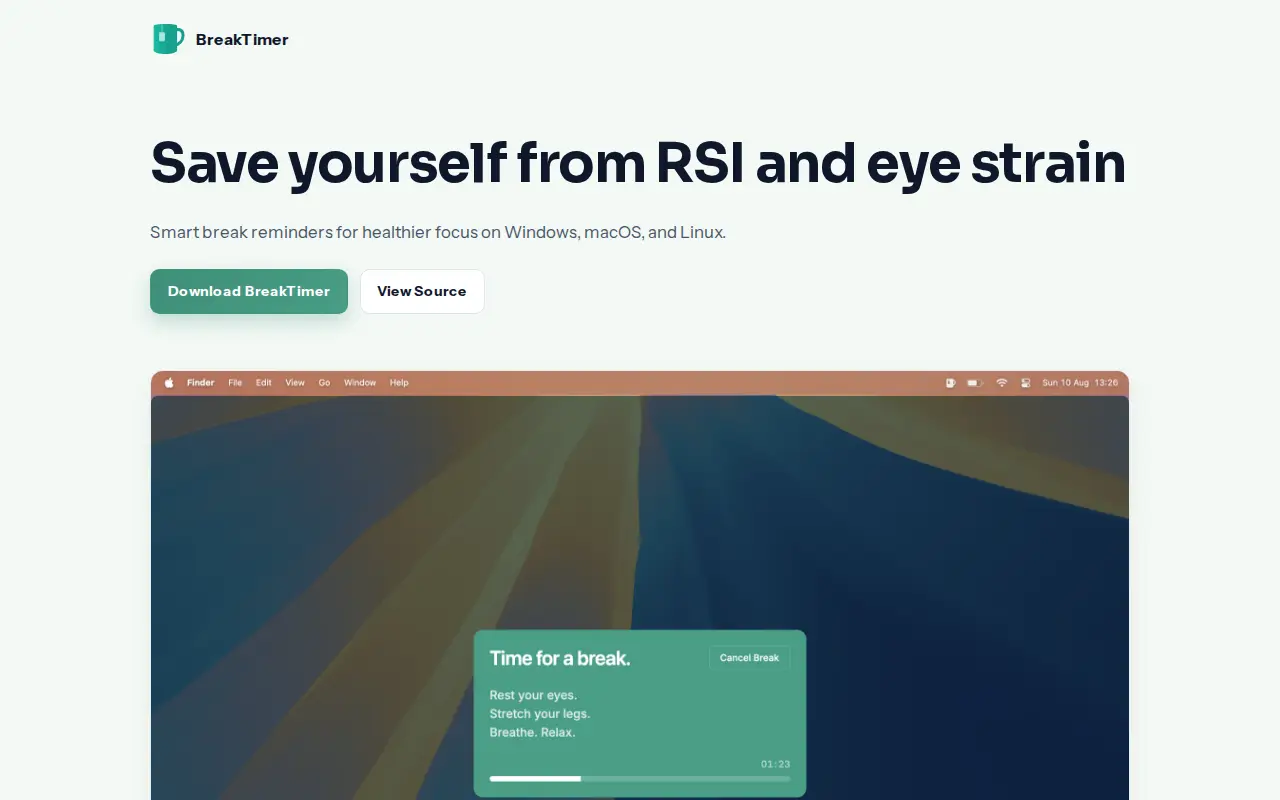
BreakTimer is break reminder software for Windows, macOS and Linux. It reportedly lets users set how often breaks happen and how long each one lasts, customize app colours and messages shown during breaks, configure working hours, and receive notifications when breaks are about to start.
EveryTimeZone is a miscellaneous web resource for discovery, directories, archives, web culture, or useful tools.
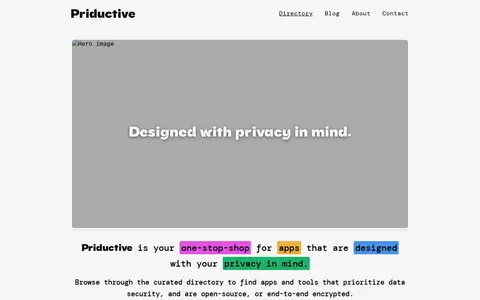
ProductivePrivacy is a curated directory of privacy-focused applications and tools. It lists software that prioritizes data security, is open-source, or offers end-to-end encryption, including note-taking apps, collaborative editors, database tools and other productivity software. Users can filter and sort the listed applications by category and other attributes.

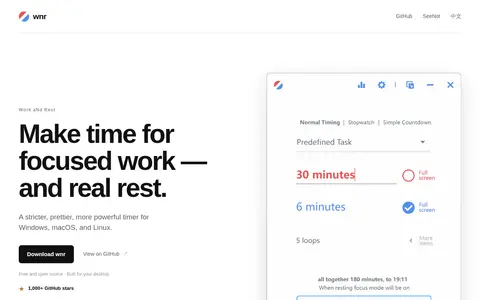
wnr is a free and open-source time-management tool for Windows, macOS and Linux. It provides a timer with a fullscreen focus mode that makes rest mandatory and blocks virtual desktops and every monitor until a session ends. Options include disabling cancelling, skipping or stopping, parent control, statistics, mini mode and predefined tasks.

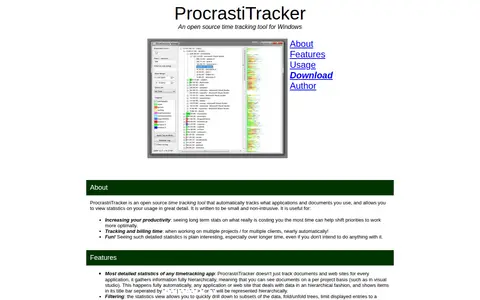
ProcrastiTracker is an open source time tracking tool for Windows that automatically tracks applications and documents used and provides detailed usage statistics. It is written to be small and non-intrusive, and is described as useful for increasing productivity and tracking and billing time across projects or clients.

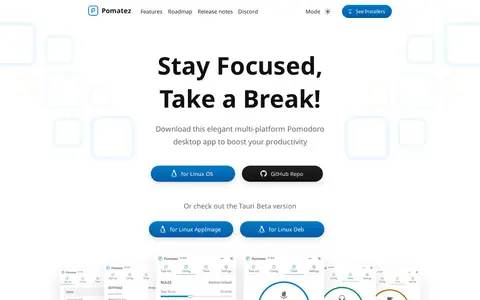
Pomatez is a multi-platform desktop application supporting the Pomodoro Technique. It offers customizable Pomodoro rules, a built-in task list, full-screen breaks, desktop notifications, special breaks, keyboard shortcuts, automatic updates, and dark theme. Mobile versions are listed as coming soon.

ActivityWatch is a free and open-source automated time tracker for Windows, macOS, Linux, and Android. It automatically tracks how time is spent on devices, including app and website usage, and keeps all data on the device rather than uploading it to the cloud.
Community notes
Be the first to share how this project worked for you.
Sign in with a verified account to leave a review or join the discussion.
Sign in to reviewKeep exploring
EveryTimeZone is a miscellaneous web resource for discovery, directories, archives, web culture, or useful tools.
ProductivePrivacy is a curated directory of privacy-focused applications and tools. It lists software that prioritizes data security, is open-source, or offers end-to-end encryption, including note-taking apps, collaborative editors, database tools and other productivity software. Users can filter and sort the listed applications by category and other attributes.
wnr is a free and open-source time-management tool for Windows, macOS and Linux. It provides a timer with a fullscreen focus mode that makes rest mandatory and blocks virtual desktops and every monitor until a session ends. Options include disabling cancelling, skipping or stopping, parent control, statistics, mini mode and predefined tasks.
ProcrastiTracker is an open source time tracking tool for Windows that automatically tracks applications and documents used and provides detailed usage statistics. It is written to be small and non-intrusive, and is described as useful for increasing productivity and tracking and billing time across projects or clients.
Pomatez is a multi-platform desktop application supporting the Pomodoro Technique. It offers customizable Pomodoro rules, a built-in task list, full-screen breaks, desktop notifications, special breaks, keyboard shortcuts, automatic updates, and dark theme. Mobile versions are listed as coming soon.
ActivityWatch is a free and open-source automated time tracker for Windows, macOS, Linux, and Android. It automatically tracks how time is spent on devices, including app and website usage, and keeps all data on the device rather than uploading it to the cloud.