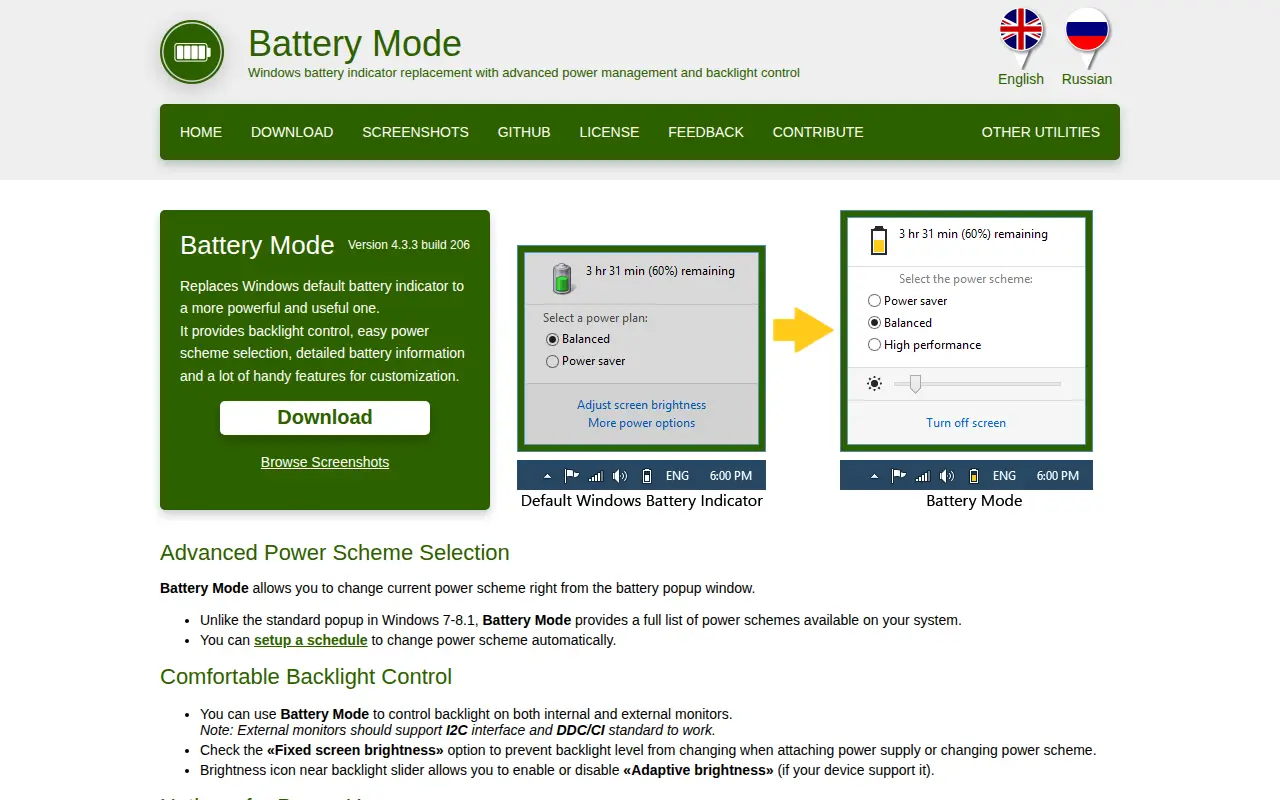



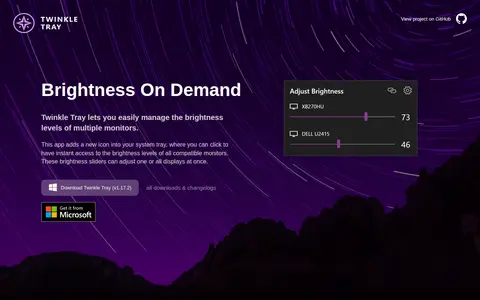

A Windows application that adds a brightness slider to the system tray for managing brightness levels of multiple monitors. It works with most laptops and DDC/CI-enabled monitors and is offered free of charge.
BatteryMode
BatteryMode is a system utility for Windows, hardware checks, cleanup, process control, or desktop customization.
Links
Tags
-
0A Windows application that adds a brightness slider to the system tray for managing brightness levels of multiple monitors. It works with most laptops and DDC/CI-enabled monitors and is offered free of charge.
-
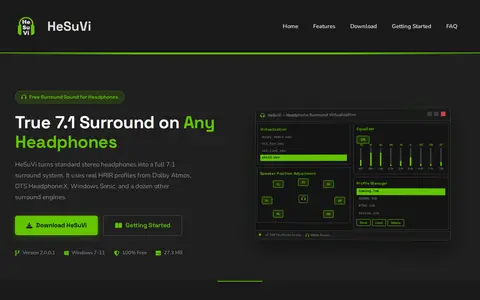
0HeSuVi is a free Windows tool for headphone surround virtualization that works with Equalizer APO. It converts 7.1-channel audio into binaural stereo using HRIR profiles from Dolby Atmos, DTS Headphone:X, Windows Sonic and other engines. It includes over 1,000 headphone EQ presets and runs on Windows 7 through Windows 11.
-
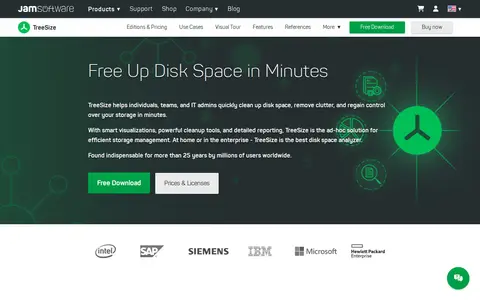
0TreeSize is a disk space analyzer for Windows with customizable file search and exporting and reporting options. It provides visualizations including pie, bar and Treemap charts, detailed folder breakdowns and a Windows Explorer-like interface to identify large files and space consumption. It offers free and paid versions.
-
0
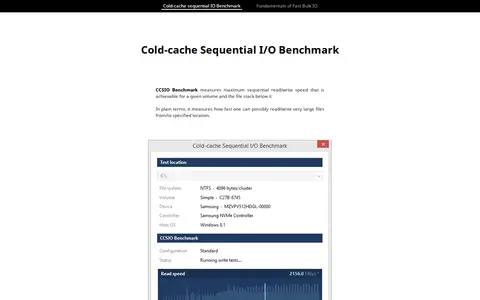
CCSIO Benchmark is a Windows tool that measures the maximum sequential read/write speed achievable for a volume and the file stack beneath it. It cycles through combinations of IO buffer count, buffer size and caching mode to find the combination delivering the highest throughput. It can assess local drives, remote network shares and virtual devices such as RAM disks and encrypted file containers.
-
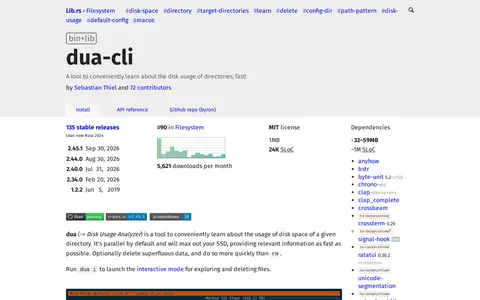
0dua (Disk Usage Analyzer) is a Rust tool to conveniently learn about the disk usage of directories. It is parallel by default and optionally deletes superfluous data. An interactive mode is launched with dua i for exploring and deleting files. It is distributed via Cargo and various package managers.
-
0HWMonitor for Windows x86/x64 is a hardware monitoring program that reads PC system health sensors, including voltages, temperatures, powers, currents, fan speeds, utilizations and clock speeds. It handles CPU and GPU-level hardware monitoring, LPCIO chips with monitoring features, memory modules with thermal sensors, and SSD and hard disks via S.M.A.R.T.
Community notes
Reviews and discussion
No reviews yet
Be the first to share how this project worked for you.
Join the discussion
Sign in with a verified account to leave a review or join the discussion.
Sign in to review