

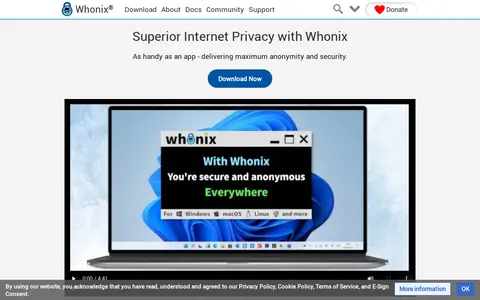

Whonix is a free, open source and Kicksecure hardened Linux distribution that runs like an app and aims to anonymize online activity. It is available for Windows, Linux, macOS, Qubes, KVM and on USB ISO. The project documentation describes itself as a crash course in anonymity and security on the Internet.
Awesome Privacy
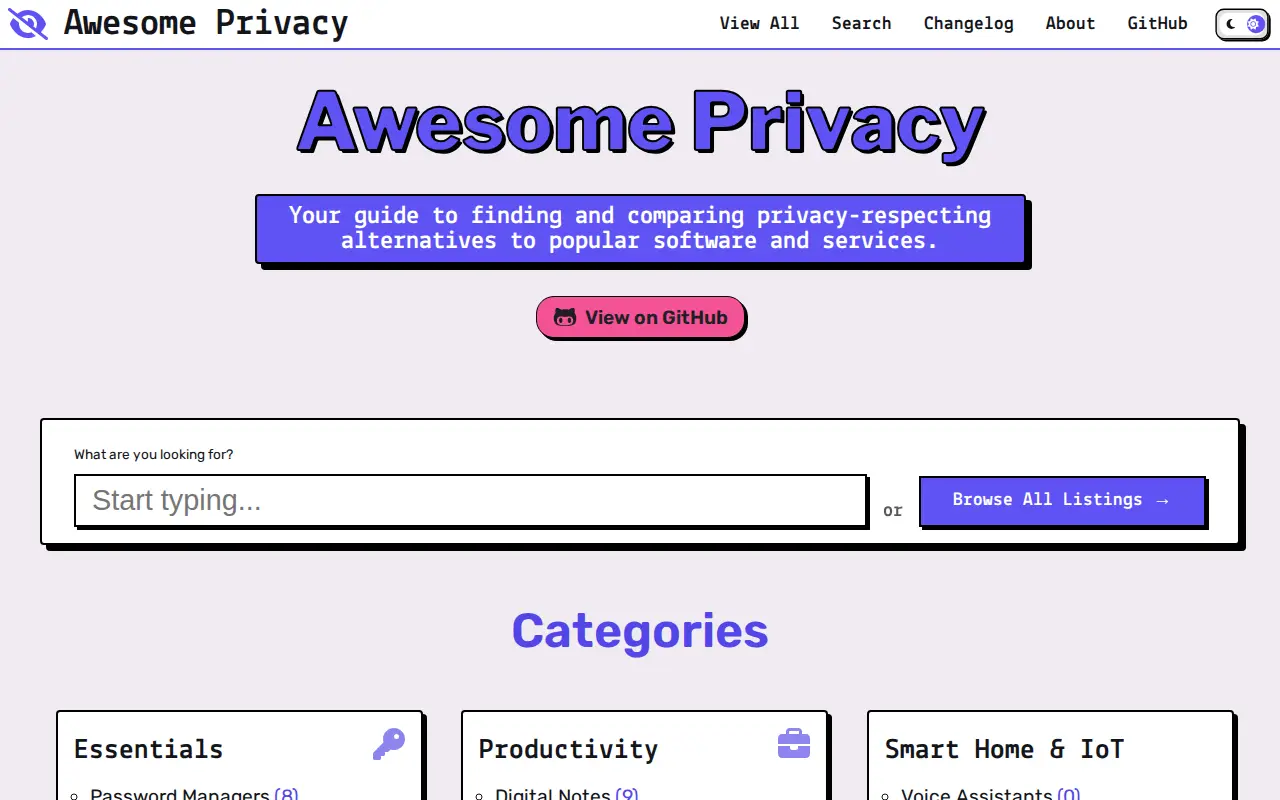
Awesome Privacy is a curated open source directory of privacy-respecting alternatives to everyday apps and services, organized into categories such as essentials, communication, security tools, networking, productivity, operating systems and development. It also offers saved items stored on-device and a changelog of new entries.
Features
- curated directory of open source, secure and ad-free software Source: awesome-privacy.xyz
Links
Tags
-
0Whonix is a free, open source and Kicksecure hardened Linux distribution that runs like an app and aims to anonymize online activity. It is available for Windows, Linux, macOS, Qubes, KVM and on USB ISO. The project documentation describes itself as a crash course in anonymity and security on the Internet.
-
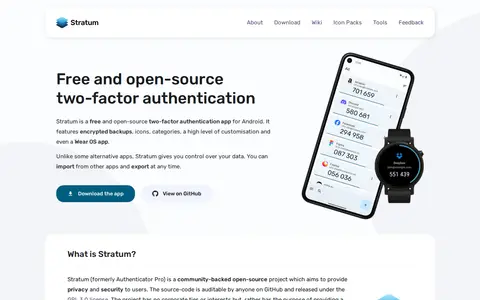
0Stratum is a free and open-source two-factor authentication app for Android, formerly named Authenticator Pro. The source code is available on GitHub under the GPL 3.0 license. It supports TOTP, HOTP and mOTP accounts, offers encrypted backups, and does not require Internet access to function.
-
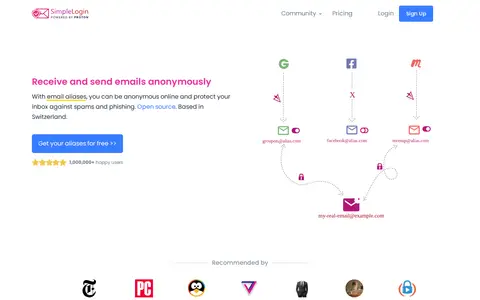
0SimpleLogin is an open source email aliasing service based in Switzerland. Users give an alias instead of their real address, and emails sent to the alias are forwarded to the inbox. Replies can be sent from the alias, keeping the real address hidden. Aliases can be managed on the website, browser extensions or Android.
-
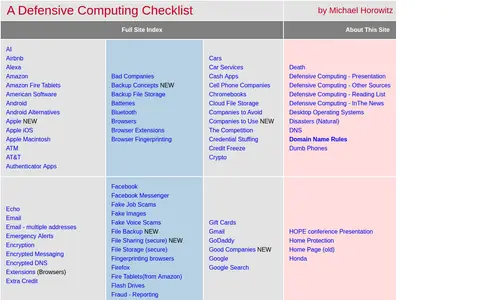
0DefensiveComputingChecklist is a site by Michael Horowitz that offers an index of defensive computing topics. The table of contents links to subjects such as browsers, passwords, phishing, identity theft, routers and VPNs.
-
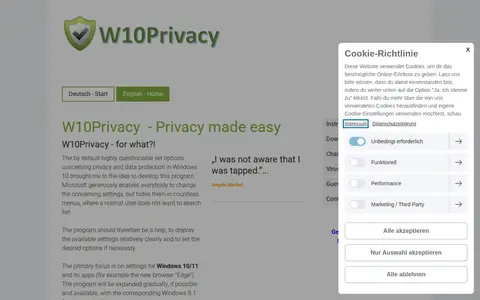
0W10Privacy is a program that displays privacy and data protection settings in Windows 10 and 11, including apps such as Edge, so users can locate and change options otherwise hidden across many menus. The author states the software is still in an early development phase and that Windows 8.1 features may be added gradually in the future.
-
0
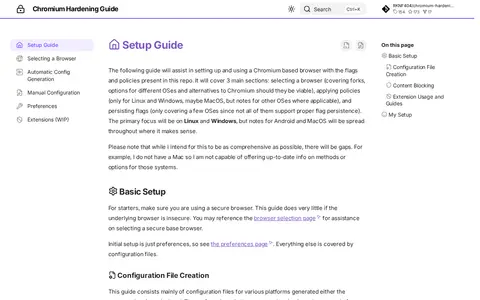
Chromium Hardening Guide is a setup guide for using a Chromium-based browser with flags and policies. It covers selecting a browser, applying policies and persisting flags, with primary focus on Linux and Windows and notes for Android and MacOS where applicable. Configuration files can be generated by an automated script or edited by hand.
Community notes
Reviews and discussion
No reviews yet
Be the first to share how this project worked for you.
Join the discussion
Sign in with a verified account to leave a review or join the discussion.
Sign in to review