wiki.archiveteam.org
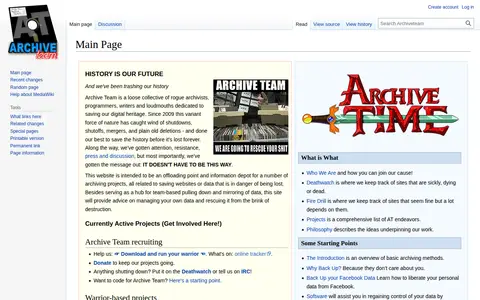
ArchiveTeam helps save, browse, replay, or preserve web pages and online resources.

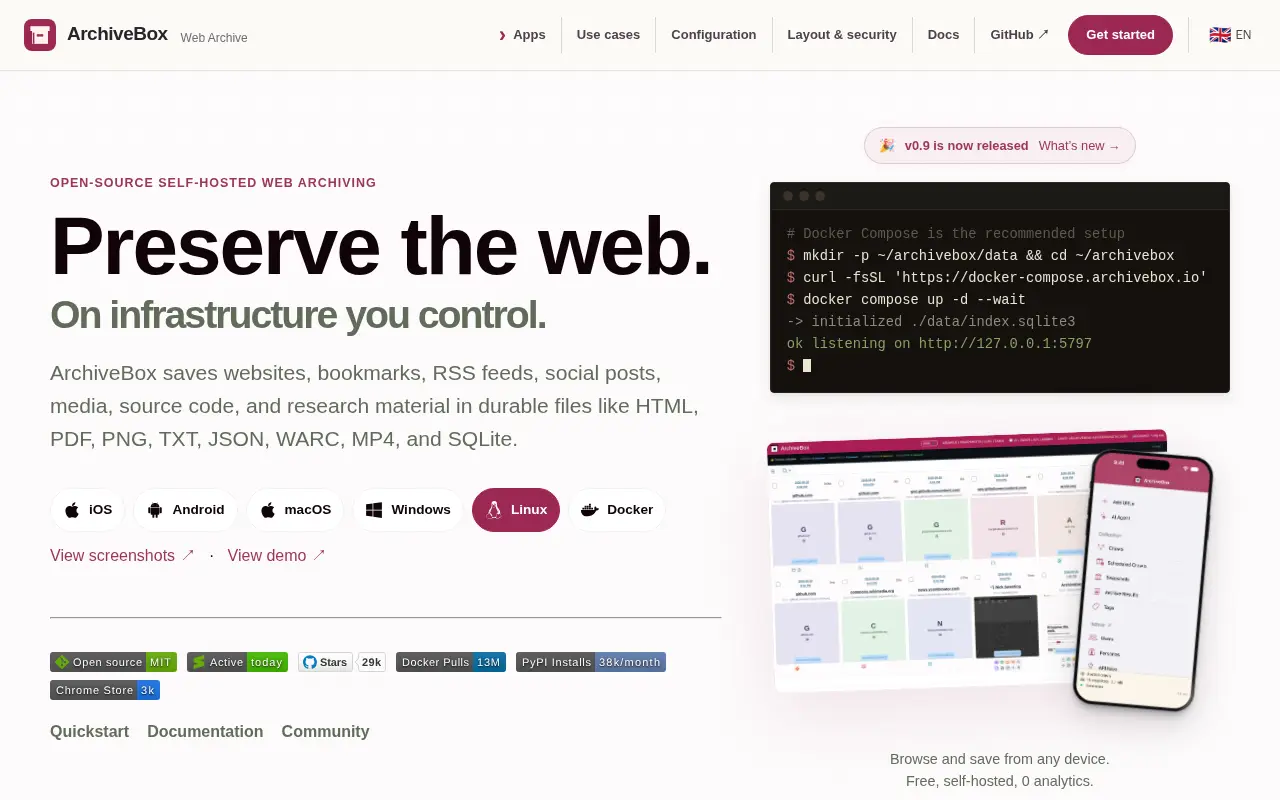
ArchiveBox is a self-hosted web archiving application that preserves content from websites in durable formats such as HTML, PDF, PNG, TXT, JSON, WARC, MP4, and SQLite. It is positioned for personal archivists, lawyers, journalists, researchers, and institutions, and offers a CLI, web UI, REST API, webhooks, and a browser extension.
ArchiveTeam helps save, browse, replay, or preserve web pages and online resources.

PageRip is a Chrome extension that extracts HTML and CSS from web pages using an element selector, or converts full pages to single-file HTML and JSX. It can export to CSS classes or inline styles, and code can be previewed and copied. The tool is described as completely free and works offline.

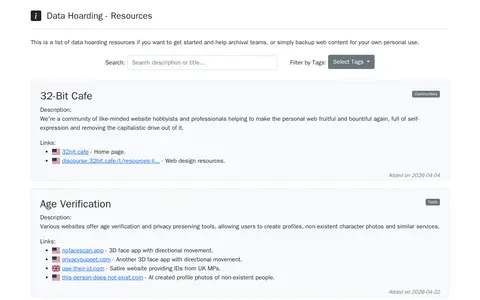
Data Hoarding is an index of resources and archives related to data hoarding, web archival and digital preservation. It provides a list of resources for getting started, helping archival teams, or backing up web content for personal use, with entries like Archive Team, ArchiveBox, Archivematica and ArchivesSpace.

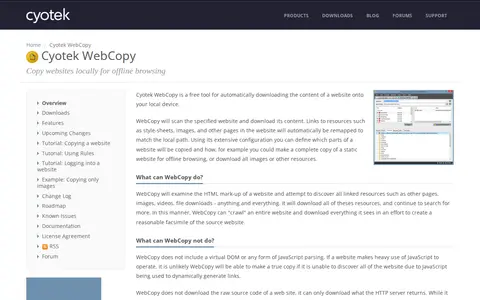
Cyotek WebCopy is a free Windows tool that scans a specified website and downloads its content for local offline browsing. It follows links to pages, images, videos and other resources, remapping them to local paths. Configuration includes rules, form and password authentication, and reports. It does not include a virtual DOM or JavaScript parsing, so JavaScript-heavy sites may not copy accurately.
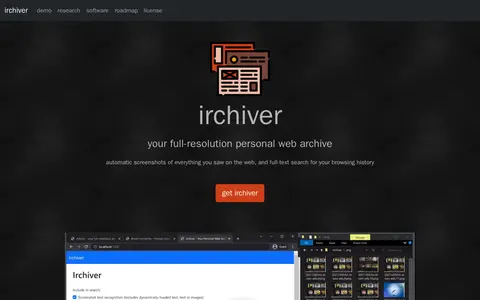
Irchiver is a research project and software that automatically takes screenshots of web content and provides full-text search of browsing history. It runs on Windows and Mac with several browsers and stores screenshots as WebP plus text files in a local folder without network connectivity.

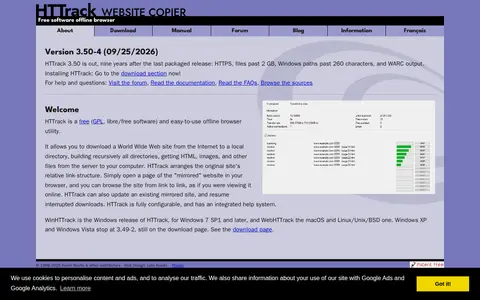
HTTrack is a free GPL offline browser utility that downloads a website to a local directory, retrieving HTML, images and other files and arranging the original relative link structure so the mirror can be browsed locally. It can update an existing mirror and resume interrupted downloads. Interfaces include WinHTTrack for Windows and WebHTTrack for macOS and Linux/Unix/BSD.
Community notes
Be the first to share how this project worked for you.
Sign in with a verified account to leave a review or join the discussion.
Sign in to reviewKeep exploring
ArchiveTeam helps save, browse, replay, or preserve web pages and online resources.
PageRip is a Chrome extension that extracts HTML and CSS from web pages using an element selector, or converts full pages to single-file HTML and JSX. It can export to CSS classes or inline styles, and code can be previewed and copied. The tool is described as completely free and works offline.
Data Hoarding is an index of resources and archives related to data hoarding, web archival and digital preservation. It provides a list of resources for getting started, helping archival teams, or backing up web content for personal use, with entries like Archive Team, ArchiveBox, Archivematica and ArchivesSpace.
Cyotek WebCopy is a free Windows tool that scans a specified website and downloads its content for local offline browsing. It follows links to pages, images, videos and other resources, remapping them to local paths. Configuration includes rules, form and password authentication, and reports. It does not include a virtual DOM or JavaScript parsing, so JavaScript-heavy sites may not copy accurately.
Irchiver is a research project and software that automatically takes screenshots of web content and provides full-text search of browsing history. It runs on Windows and Mac with several browsers and stores screenshots as WebP plus text files in a local folder without network connectivity.
HTTrack is a free GPL offline browser utility that downloads a website to a local directory, retrieving HTML, images and other files and arranging the original relative link structure so the mirror can be browsed locally. It can update an existing mirror and resume interrupted downloads. Interfaces include WinHTTrack for Windows and WebHTTrack for macOS and Linux/Unix/BSD.