Netlify vs Vercel
Netlify vs Vercel: compare free plans, developer seats, deploy previews and usage billing. See why a team’s headcount can change the cheaper paid starting plan.
On this page
My pick in Netlify vs Vercel is Netlify for a small team that wants deployment previews without paying per Pro member. Choose Vercel when its framework workflow matches the application you're building. The surprise in the current pricing is the headcount: Netlify Pro starts at $20/month with unlimited members; Vercel Pro charges for developer seats.
Netlify vs Vercel at a glance
Netlify and Vercel both deploy source-built websites and applications. Official facts below were checked October 9, 2026. This table describes the current self-serve plans; an older Netlify account may use a legacy plan with different terms.
| Factor | Netlify | Vercel | Source, checked October 9, 2026 |
|---|---|---|---|
| Free starting point | Free, 300 credits/month | Hobby, $0 for personal noncommercial use | Official pricing; Vercel Hobby docs |
| Paid start | Personal $9/month, 1,000 credits; Pro from $20/month, 3,000 credits | Pro $20/month per developer seat plus usage | Official pricing pages |
| Team access | Free/Personal: one member; Pro: unlimited members | Hobby: one developer; Pro developer seats: $20/month each | Official pricing and plan docs |
| Preview workflow | Branch and pull-request previews | Preview deployments | Official deployment docs |
| Rollback | Publish an available successful atomic deploy | Hobby: immediately previous production deploy; Pro/Enterprise: eligible production deploys | Official rollback docs |
| Billing measure | Credits across production deploys, compute, bandwidth and requests | Resource-specific usage with included Pro credit | Official pricing pages |
| Integration | Git, CLI, API, extensions and framework adapters | Git, CLI, API and framework integrations | Official developer docs |
| Open source | Hosted platform isn't open source | Hosted platform isn't open source | Official product material; individual tools have separate licenses |
| Update evidence | Changelog entry October 7, 2026 | Changelog entry October 8, 2026 | Official changelogs |
| Privacy and data setup | CDN plus project services; resource setup affects data handling | CDN plus project services; resource setup affects data handling | Official platform and region docs |
The Netlify pricing page and Vercel pricing page are the main linked references for the plan figures. A shared monthly dollar amount doesn't mean an identical bill: seats and usage have different roles.
Team access can matter more than the entry price
Netlify's current Pro plan starts at $20 per month with unlimited members. The base tier includes 3,000 credits. Free and Personal have one member, so a second person who needs to operate the platform can make Pro the relevant comparison even for a small site.
Vercel's Pro developer-seat table lists $20 per month per developer. Three developer seats therefore total $60 per month before additional usage, using the checked seat price. That calculation compares a team of three people with deployment access, not three people who merely look at the public site.
My recommendation is to assign the actual jobs before counting seats. A person reviewing a preview and a person changing deployment settings need different kinds of access. Both platforms document roles; use the role that matches the job instead of turning every stakeholder into a full developer by default.
For a solo developer, the headcount difference may not decide much. For a small studio that rotates maintenance between several people, it can be the first meaningful distinction. The owner should be able to see who can deploy and how the plan pays for that access.
Vercel's Hobby plan is for personal noncommercial use. That makes it a different starting offer from a generic promise of free hosting for any client project. Don't choose it for a commercial site simply because the current traffic is small.
Winner for several Pro members at a single starting subscription price: Netlify.
Credits are readable only when you name the work they pay for
Netlify's current page meters production deploys at 15 credits each, bandwidth at 20 credits per GB, web requests at 2 credits per 10,000 and compute at 10 credits per GB-hour. These are different jobs drawing from one credit allowance.
The free 300-credit tier cannot be described as 300GB or a fixed number of visitor sessions. The amount used depends on the combination of deployments, traffic and compute. A media-heavy site and a small text site can consume the allowance differently even if the owner publishes the same number of updates.
My advice for the comparison is to write down what the application actually does. Does it mostly serve built pages? Does it resize many images? Does it run server functions on every visit? Those details make the billing measures interpretable without pretending to forecast a cost from an empty project.
Vercel uses resource-specific usage and includes a $20 usage credit in its current Pro description. That is separate from the number of developer seats. Don't count one included credit line as a promise that all future usage fits inside it.
For an existing Netlify owner, the legacy-plan distinction matters. Official billing docs say accounts on older plans can have different pricing and that switching from legacy to credit-based plans is irreversible. Read the account's actual plan before treating this new-account comparison as an instruction to switch.
The weakness in the Netlify model is that a simple credit total still needs translation into the site's workload. The weakness in the Vercel model is that multiple resource measures and developer seats can make the starting subscription look smaller than the eventual bill.
Winner for a single shared usage unit: Netlify. Neither plan wins on final cost without the application's real usage pattern.
The framework and preview routine should fit the source project
Both platforms support source-driven deployment and previews. A developer can put a proposed change into a reviewable deployment before making it the production version. That is the part of the workflow I value most for a small team maintaining a public site.
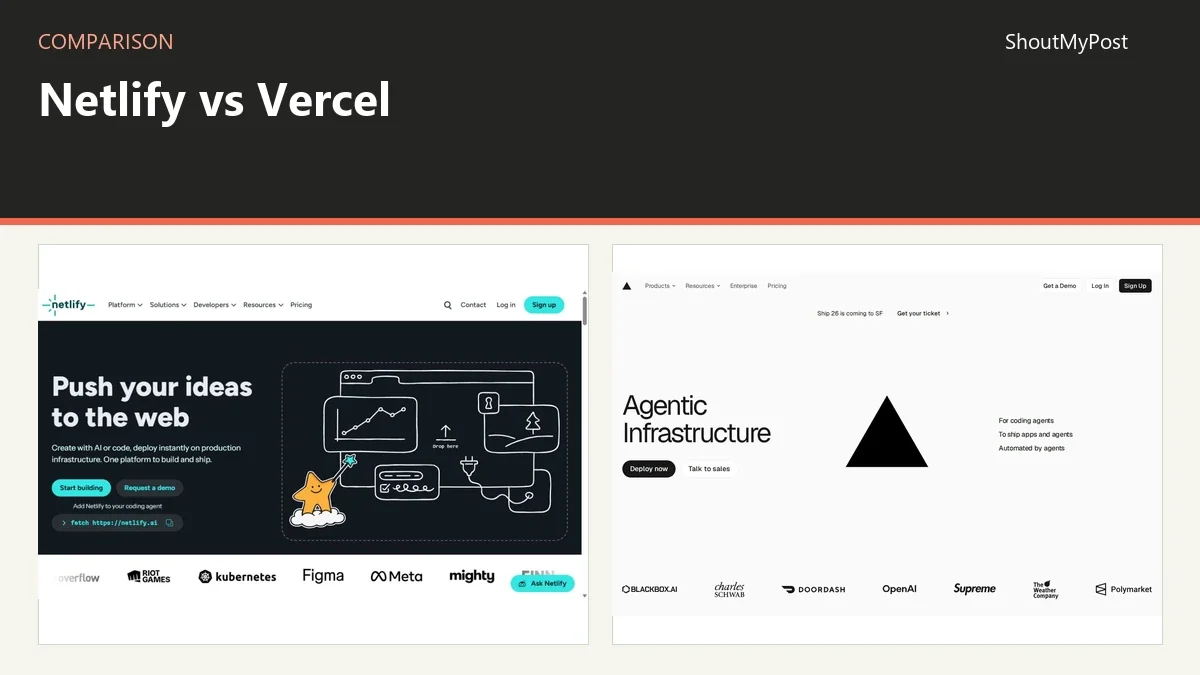
Vercel is my recommendation when the project's framework and application functions match its documented integration. Netlify is my recommendation when the team values its build, preview and extension workflow across the framework they already use. Choose from the source project outward, not from a dashboard screenshot inward.
A preview should exercise the job the page performs. For a static article page, that might be content, images and links. For an application page, it may also include an account action or a function response. A preview URL that loads the shell without the expected data isn't a finished review.
The same applies to configuration. A production API key and a preview API key can lead to different behavior. Document which environment the source expects, then keep preview configuration matched to the review. A new deployment account needs its own environment variables.
For the owner, the key handover is the path from an edit to a live version. Name the branch, the preview address and the production deployment. Those are easier to maintain than a vague instruction to “push the site” whenever someone needs to change a paragraph.
Winner for framework fit: the service whose official integration matches the application you actually maintain.
Recovery needs a known public version
Netlify's documented rollback republishes an available successful atomic deploy. Vercel's Instant Rollback selects an eligible production deployment, with Hobby restricted to the immediately previous one. Those are concrete recovery paths for deployed output.
The Netlify rollback guide explains the publishing lock and what to inspect during that process. The comparison's decision is simpler: keep enough deployment information to identify the version you intend to serve.
For a release review, record the production identity alongside the repository change. If someone reports a broken page, the team can then separate an output issue from a new source commit that hasn't published. A date by itself may be too vague when several changes were deployed during the same afternoon.
Vercel's rollback eligibility is another reason to identify production history explicitly. A preview deployment that was never aliased to a production domain isn't automatically an eligible rollback target. The system's retained deploy list and the repository's history are related, but they aren't interchangeable lists of public versions.
Winner for recovering an available deployed website: both have documented routes; Vercel's Hobby depth is narrower.
What users say
A Netlify forum discussion from April 2026 objects to the amount of bandwidth that a 3,000-credit plan represents when credits are used only for transfer. Support acknowledges the feedback and directs account-specific questions to support. The reader complaint is about translating a credit model into a familiar capacity number.
A Vercel staff reply about Hobby deployment access explains that Hobby doesn't support team collaboration and deployments must come from the account owner. The thread shows how a technically connected repository can still fail the plan's author-access rules.
A September 2025 deployment discussion praises Netlify's developer experience and branch previews, while also warning about costs at scale. In a separate February 2025 hosting thread, Vercel users like how easy it is to get a small site or Next.js project running. For me, those are the strongest reasons to pay for either service: an editing change becomes a reviewable deployment with a clear production path.
Choose Netlify if…
- Several people need Pro platform access at the starting team price.
- Its preview and framework workflow matches your source project.
- You can track the application's usage through the credit model.
Choose Vercel if…
- Its framework integration matches the application you're building.
- The developer-seat budget is clear.
- You have chosen the plan for the project's commercial status and deployment roles.
Other options
Codeberg fits static free-software project pages. Framer fits a managed visual website. WordPress fits a publishing application with a chosen host. The Netlify alternatives page explains those different routes, and Cloud & Hosting lists more services.
FAQ
Is Netlify Pro $20 per person?
The checked current Netlify Pro page says $20 per month with unlimited members at its starting tier, which includes 3,000 credits. That differs from Vercel's developer-seat model. Usage and higher credit tiers still matter, so the single starting subscription shouldn't be read as unlimited traffic or unlimited compute.
Can two developers use Vercel Hobby to deploy a shared project?
The official Hobby plan has one developer seat and doesn't support team collaboration. Vercel staff explain that deployments on that plan come from the account owner. Choose the documented Pro collaboration route when multiple developers need deployment access; simply matching an email address doesn't remove the plan's access rule.
Is a free deployment plan an unlimited production plan?
No, both products list plan limits, and Vercel Hobby also restricts use to personal noncommercial projects. Netlify Free includes 300 monthly credits, consumed by several metered activities. Read the plan against the real project and its workload before treating a successful first deploy as proof that ongoing use fits.
Sources
Netlify pricing, credit-based plan docs, deploy overview, rollback and changelog; Vercel pricing, Hobby plan, deployment, Instant Rollback and changelog; linked Netlify and Vercel discussions. Facts checked October 9, 2026.
Related articles
Current evidence
Verified facts
Each value shows its source and when it was checked.
No shared facts have current source and check-date evidence yet. Facts without that evidence are left out.