Kagi vs Qwant
Compare Kagi vs Qwant on monthly prices, free access, source controls, apps, APIs, and privacy. Find out when paying for search makes sense for you.

On this page
Kagi wins this Kagi vs Qwant comparison if you want ad-free search and control over which sites appear. Choose Qwant if keeping search free comes first. Kagi's settings can justify a subscription for daily research, but you'll have to spend some time choosing and maintaining those settings.
Kagi's pricing page has two details that change the cost: annual billing is 10% off, and an unused monthly plan earns a full credit toward the next bill. To get that credit, you must make zero searches and zero AI interactions during the billing month. For yearly plans, the fair-pricing rules apply only after an entirely unused billing year. You get account credit, not a cash refund.
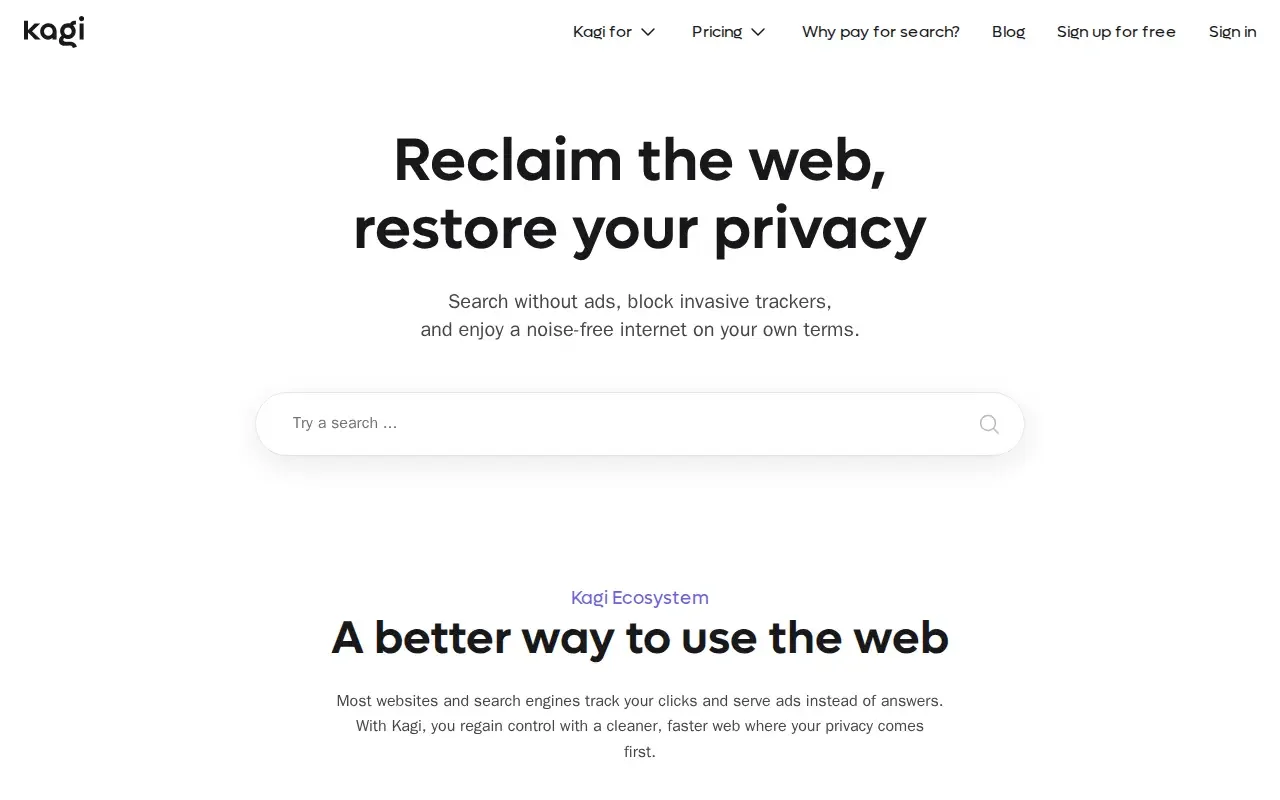
Image credit: Kagi Search listing on ShoutMyPost.
Kagi vs Qwant at a glance
Consumer prices below are US dollars for monthly billing, plus applicable sales tax. API requests are billed separately. Every row was checked October 8, 2026.
| Factor | Kagi | Qwant | Sources | Checked |
|---|---|---|---|---|
| Free access | Trial with 100 searches | Free consumer search | Kagi plans; Qwant funding | 2026-10-08 |
| Paid price | Starter $5/month; Professional $10/month; Ultimate $25/month, all billed monthly plus tax | Free search; no consumer subscription price advertised in its funding guide | Kagi pricing; Qwant funding | 2026-10-08 |
| Search limits | Starter: 300/month; Professional and Ultimate: unlimited search | Public search without a purchased quota | Kagi plan limits; Qwant funding | 2026-10-08 |
| Platforms | Web, Android Search app, browser integrations; iOS browser access | Web, iOS and Android browser apps, desktop browser integrations | Kagi setup; Qwant setup | 2026-10-08 |
| Key controls | Custom lenses and domain-ranking preferences | Region and SafeSearch settings; Flash Answers can be disabled | Kagi controls; Qwant region, SafeSearch, Flash Answers | 2026-10-08 |
| APIs and extensions | Browser integrations; separately billed Search API at $12 per 1,000 requests | Browser integrations; official AI Answer API SDK | Kagi API price; Kagi API access; Qwant SDK; Qwant extensions | 2026-10-08 |
| Open source | Full engine isn't published; some extensions, SDKs, and other projects are | Full engine isn't published; some browser components and SDKs are | Kagi projects; Qwant projects, terms | 2026-10-08 |
| Latest public update checked | Changelog entry September 10, 2026, including passkeys and account changes | Computer setup guide updated September 25, 2026; no numbered engine release on that page | Kagi changelog; Qwant guide | 2026-10-08 |
| Privacy | Ad-free; policy separates searches from accounts and documents operational logs | Contextual ads by default; account users can consent to personalized Microsoft ads | Kagi policy; Qwant policy | 2026-10-08 |
| Data location | Information may be transferred, stored, and processed in the US | French publisher and host; policy includes partner processing, without an all-data France-only promise | Kagi rights addendum; Qwant legal notices, policy | 2026-10-08 |
Pricing: Qwant keeps search free
Qwant is the cheaper start when you want a general search engine and already have enough subscriptions. Its funding guide explains how ads and shopping commissions pay for free search. That makes it easy to use occasionally without thinking about a monthly allowance.
Use Kagi's trial on questions that usually send you through several unhelpful pages. Change a few site preferences and see whether you reach an answer with less searching. My reason to pay would be less time spent sorting through results; a cleaner-looking page alone wouldn't be enough.
The Starter plan is for lighter use. If your work involves looking up several subjects a day, the allowance could become something you have to watch. Professional removes the search cap. Ultimate adds AI features, so it isn't the plan to pick just because you want unlimited web search.
Monthly billing lets you change your mind sooner. Annual billing makes more sense once you know you'll keep using the service. The discount is a reason to compare billing options.
Winner for cost: Qwant.
Source controls: Kagi lets you favor the sites you trust
Kagi's domain preferences let you raise, lower, pin, or block websites. Lenses narrow a search to selected sites or filters. You can make those choices yourself instead of accepting the same order of results every time.
Suppose you're looking for a language feature and keep finding summaries of the manual ahead of the manual itself. A documentation lens can keep that search on the manuals. For a broader query, lowering a site that repeatedly wastes your time lets you keep searching the wider web. You don't have to use one approach for every question.
Qwant offers region, language, SafeSearch, and display settings. Its region setting works independently of your IP location, so check it when local results look wrong. You can also hide or disable Flash Answers if you prefer to read the linked pages.
Kagi's weakness is the work that comes with those choices. A site you blocked last year might publish something you need today. Start with a few changes you can explain, and review them when a familiar query starts missing good pages. Blocking dozens of domains at once makes that harder to spot.
Winner for source control: Kagi.
Privacy: Kagi removes the advertising decision
Kagi's privacy policy says searches aren't stored against accounts and clicks aren't tracked. It counts usage for billing and keeps debugging data: load-balancer and VM logs for seven days, and sampled Sentry errors for 90 days.
Qwant's August 20, 2026 policy allows contextual ads by default. If you create an account and consent, it can also show personalized Microsoft ads. The policy describes sharing search terms, browser information, partial IP details, and approximate location; a full IP address can also be shared to detect fraud. Technical request monitoring lasts three days.
Kagi's rights addendum allows information to be stored and processed in the US. Qwant's Paris address identifies its publisher and host, but doesn't promise that every partner keeps all data in France. If you need your data kept in one country, a company's address isn't enough to answer that question.
My preference is Kagi because its paid model removes the advertising decision. With Qwant, pay attention to what you're accepting when an account asks for consent.
Winner for avoiding advertising: Kagi.
Mobile access: Qwant offers a free browser on both platforms
Both services can be your desktop search destination. Qwant publishes instructions for Chrome, Firefox, Brave, and Edge extensions, along with manual setup for Safari and Opera. Its browser apps are available on Android and iOS.
Kagi has an Android Search app and browser access on iOS. Its setup guide covers those integrations. On an iPhone, use the browser instructions; its separate Assistant and Summarize apps aren't standalone Kagi Search apps.
The app choice matters most if you want the search service and browser together. If you're happy with your current browser, look at its supported integration first. Installing another browser just to reach a search page can add work you don't need.
Winner for a free mobile browser: Qwant.
Integrations: Kagi documents a metered Search API
Kagi's Search API costs $12 per 1,000 requests. It covers web, images, news, videos, and podcasts, with lens and ranking controls. The API portal guide explains how to get access. An unlimited consumer search plan doesn't include free API requests.
Qwant publishes an AI Answer API TypeScript SDK and a playground. An answer API and a search-results API do different jobs. Check whether your app needs a generated answer, a list of links, or both before choosing the service around which you'll build.
For a maker, the request bill belongs in the plan from the start. Think about how many searches one visitor action could trigger, and whether you need image or news results alongside web pages. For ordinary browser searches, you can leave the API out of your decision.
Winner for a documented Search API: Kagi.
What users say
In a December 31, 2025 Kagi discussion, a departing subscriber liked the ad-free results and lenses but couldn't justify paying. Replies disagreed about how much those changes were worth.
A 2026 Qwant discussion starts with a reader finding it adequate after a week while describing slower searches and weaker niche results. Replies include satisfied users and frustration with AI answers. That last complaint has a setting you can change, as the source-control section explains.
Choose Kagi if…
- You want to pay for an ad-free search routine.
- You repeatedly research subjects that benefit from lenses or domain preferences.
- You're building around a documented, separately metered Search API.
Choose Qwant if…
- You want general search without another subscription.
- Region and basic search settings cover your customization needs.
- You want Qwant's free browser on Android or iOS.
- You're comfortable checking the advertising consent choices when creating an account.
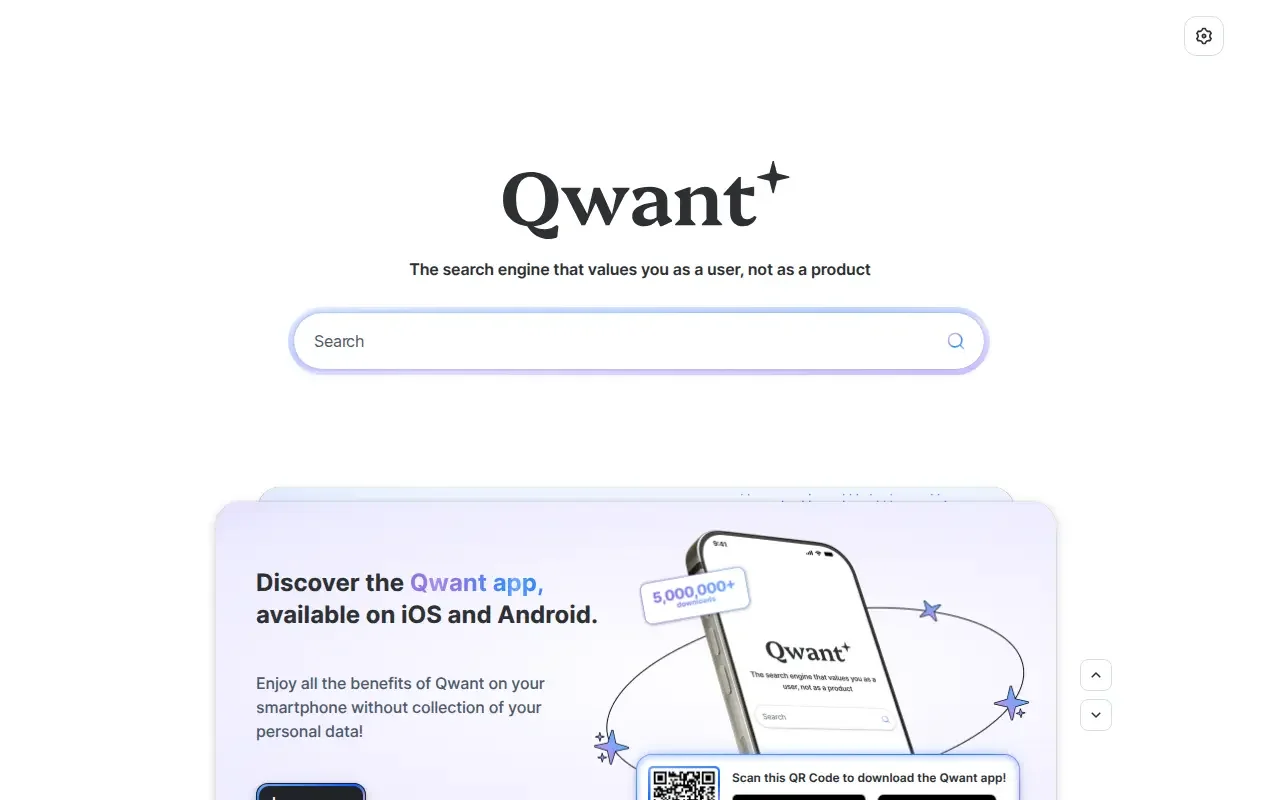
Image credit: Qwant listing on ShoutMyPost.
Other options for a different search routine
MetaGer is the next option when you want ad-free metasearch paid through credits. The extra job is managing those credits and choosing the sources. Its current token rules explain the cost of a search.
Marginalia Search is a better pick for exploring small, text-oriented sites from an independent index. Its project information explains that focus. The smaller index makes it a poor sole default if you also need broad everyday coverage.
For a broader shortlist, browse Search & Discovery and Search Engines & Tools.
Questions about Kagi and Qwant
Is Kagi free?
Only the 100-search trial is free. Kagi's monthly plans cost $5 for Starter, $10 for Professional, and $25 for Ultimate, all billed monthly plus applicable sales tax. Starter includes 300 searches per month; Professional and Ultimate include unlimited search. Ultimate also adds premium AI features.
Is Qwant a safe search engine?
Qwant offers SafeSearch filtering for adult content, but it can't guarantee that every linked website is safe. The settings are Strict, Moderate, and None; Moderate is the default. The filter applies to web, image, and video results. For children, supervise the pages they open even with filtering enabled.
Can I move from Qwant to Kagi?
Yes. Create a Kagi account and follow its browser setup instructions. Choose the guide for your browser and device; Kagi lists separate desktop and mobile instructions. You'll build any Kagi site preferences separately; a Qwant account isn't a Kagi account.
Are Kagi and Qwant open source?
Neither publishes its full search engine as an open-source package. Kagi publishes browser extensions, a Python API SDK, and other projects; Qwant publishes browser components and its Answer SDK. MetaGer and Marginalia are the options here if access to the search code comes first.
Sources
- Kagi pricing, plan limits, and Search API pricing.
- Kagi domain controls, browser and app setup, and API portal.
- Kagi privacy policy, privacy rights, open-source projects, and changelog.
- Qwant funding, setup, and Flash Answer controls.
- Qwant privacy policy, legal notices, public repositories, and Answer SDK.
- Kagi subscriber discussion, December 31, 2025 and Qwant user discussion, 2026.
Current evidence
Verified facts
Each value links to its source and shows when it was checked.
| Fact | Kagi Search | Qwant |
|---|---|---|
| Site status | LiveSource | LiveSource |
| Current catalogue summary | Kagi Search is a paid, ad-free search engine focused on user privacy. It blocks invasive trackers, delivers customizable, noise-free search results, and does not replace relevant answers with ads. The platform also provides companion tools including Kagi Assistant, the Orion Browser, Kagi Translate, Kagi News, and Kagi Summarize, plus team plans for organizational use. It markets itself as a human-first alternative to mainstream ad-supported search engines.Source | Qwant is a European-hosted search engine that does not store or sell user search data. It offers fast, reliable search results, a mobile app for iOS and Android, and a Flash Answers feature for instant answers.Source |