Directory

Linux & macOS Tools

Explore Linux & macOS Tools resources in Software & Online Tools.

Linux & macOS Tools

108 listings
adium.im

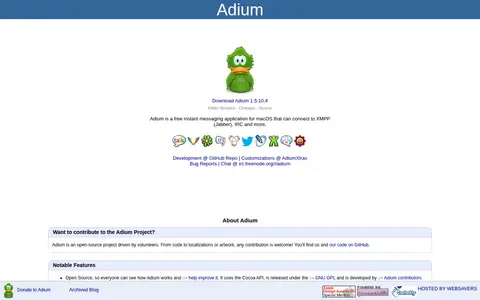
Adium is a free, open-source instant messaging application for macOS that connects to XMPP (Jabber), IRC and other services. It is a third-party client based on the libpurple protocol library, with tabbed chat windows, themeable message views, macOS Contacts integration and OTR encryption. It is developed by volunteers and released under the GNU GPL.
Linux & macOS Tools 0
alacritty.org

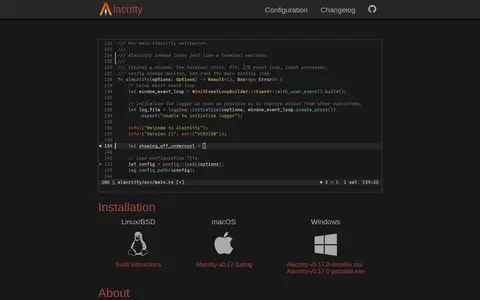
Alacritty is a cross-platform terminal emulator with sensible defaults and extensive configuration. It integrates with other applications rather than reimplementing their functionality. Supported platforms are BSD, Linux, macOS and Windows, and the software is described as being at a beta level of readiness.

Linux & macOS Tools 0
altbox.dev

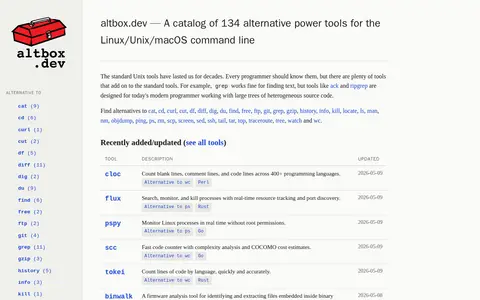
A catalog of 134 alternative tools for the Linux, Unix and macOS command line. The site lists alternatives to common Unix utilities such as grep, ps, wc, dig and gzip, and shows recently added or updated tools with descriptions, languages and dates.

Linux & macOS Tools 0
Preview unavailable
amule.org

aMule is a Linux, macOS, BSD, or Unix resource for tools, documentation, communities, or system workflows.

Linux & macOS Tools 0
atuin.sh

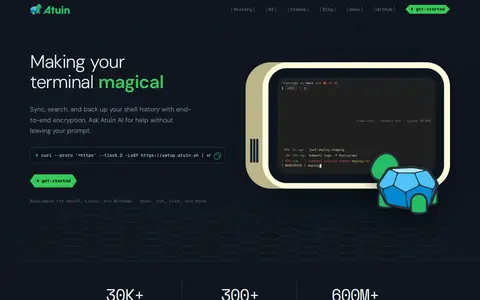
A shell history tool that syncs, searches and backs up shell history with end-to-end encryption, available for macOS, Linux and Windows and for shells including bash, zsh and fish. It includes Atuin AI, which is free during testing and can suggest and run commands.

Linux & macOS Tools 0
bpkg.sh

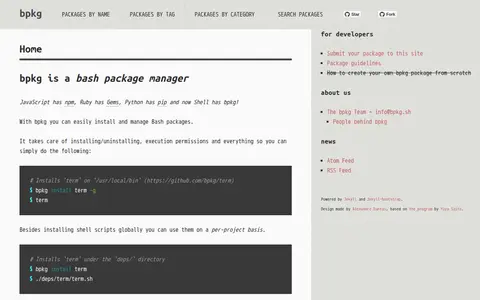
bpkg is a bash package manager that installs and manages Bash packages, handling installing and uninstalling and execution permissions. It can install shell scripts globally or per project, placing global installs in /usr/local/bin and per-project installs under the deps/ directory. It can be installed via an install script, clibs, or from source.

Linux & macOS Tools 0
brow.sh

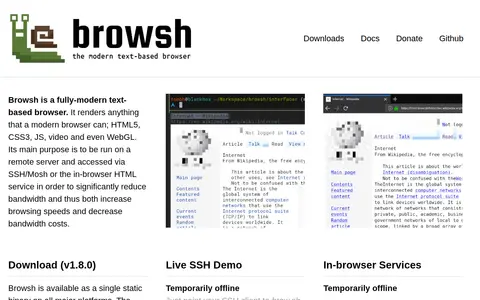
Browsh is a text-based browser that renders modern web content to a TTY terminal, running on a remote server and accessed via SSH/Mosh or an in-browser HTML service to reduce bandwidth. It is available as a single static binary on all major platforms and requires a recent 57+ version of Firefox; a Docker image is also available. The browser client output is not updated in real time nor interactive.

Linux & macOS Tools 0
claws-mail.org

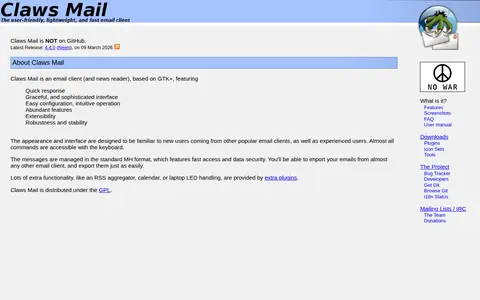
Claws Mail is an email client and news reader based on GTK+. It offers multiple accounts, threaded display, filtering and MIME attachments, plus Usenet news reading and posting, with SSL over POP3, SMTP, IMAP4rev1 and NNTP. Messages are managed in the standard MH format, and additional functionality is provided by plugins. It is distributed under the GPL.
Linux & macOS Tools 0
dino.im

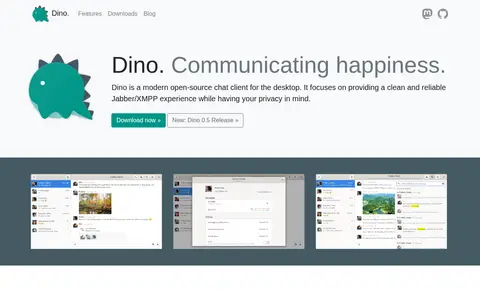
Dino is an open-source chat client for the desktop built on the XMPP protocol. It offers a clean interface with encryption; end-to-end encryption via OMEMO or OpenPGP can be enabled, and read and typing notifications can be disabled. Dino is developed on GitHub by an open community and is available from repositories of many Linux distributions.
Linux & macOS Tools 0
distrobox.it

Distrobox is a tool that uses podman, docker or lilipod to create containers running the Linux distribution of the user's choice inside the terminal. The created containers are tightly integrated with the host, sharing the HOME directory, external storage, external USB devices, graphical apps and audio.

Linux & macOS Tools 0
elv.sh

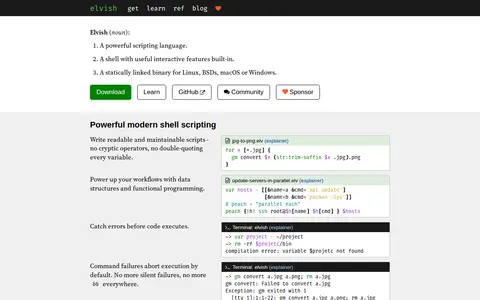
Elvish is a shell with useful interactive features built in and a scripting language. It is distributed as a single statically linked binary for Linux, BSDs, macOS and Windows. Scripts use data structures and functional programming, errors are caught before execution, and command failures abort execution by default.

Linux & macOS Tools 0
freshtomato.org

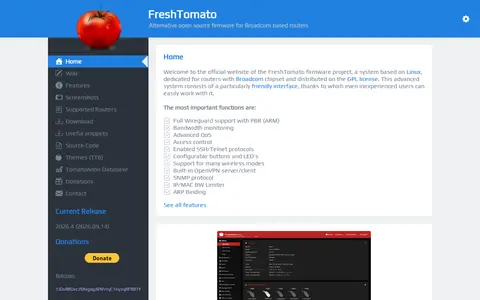
FreshTomato is an open source firmware project based on Linux for routers with Broadcom chipsets, distributed under the GPL license. Its web interface offers features such as bandwidth monitoring, advanced QoS, access control, SSH/Telnet protocols, configurable buttons and LEDs, and OpenVPN server/client support.

Linux & macOS Tools 0
ghostty.org

Ghostty is a Linux, macOS, BSD, or Unix resource for tools, documentation, communities, or system workflows.

Linux & macOS Tools 0
luakit.github.io

Luakit is a configurable web browser framework built on the WebKit engine and the GTK+ toolkit, extensible with Lua and licensed under GNU GPLv3. It targets power users and developers who want fine-grained control over browser behaviour and interface.

Linux & macOS Tools 0
maestral.app

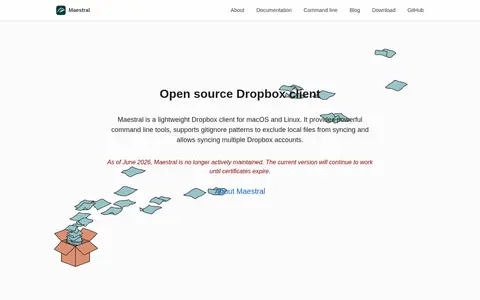
Maestral is an open source Dropbox client for macOS and Linux. It offers a command line interface, a lightweight native GUI for macOS and a Qt-based interface for Linux, and can sync multiple Dropbox accounts. It supports .mignore patterns to exclude local files from syncing. As of June 2026, Maestral is no longer actively maintained.

Linux & macOS Tools 0
mankier.com

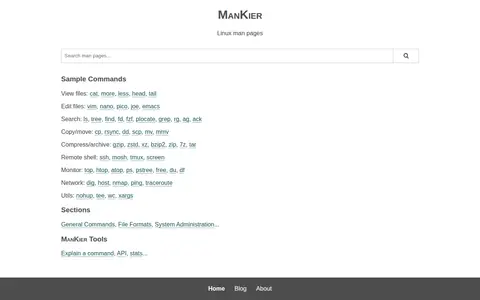
ManKier is a collection of online man pages described as extensive and up-to-date, with pages grouped into sections including General Commands, File Formats and System Administration. It also lists sample commands for common tasks such as viewing, editing and searching files.

Linux & macOS Tools 0
mx-moment.xyz

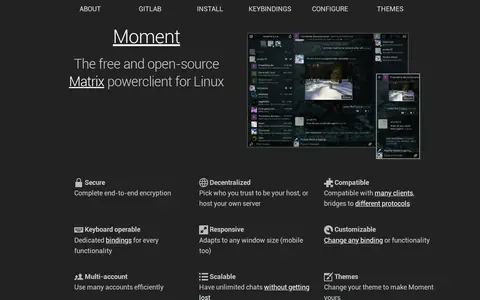
Moment is described as a free and open-source Matrix powerclient for Linux. It is a maintained fork of Mirage and is presented as keyboard operable, with dedicated bindings for every functionality. The page also states it is responsive, compatible with many clients, bridges to different protocols, and supports multiple accounts and themes.

Linux & macOS Tools 0
newsboat.org

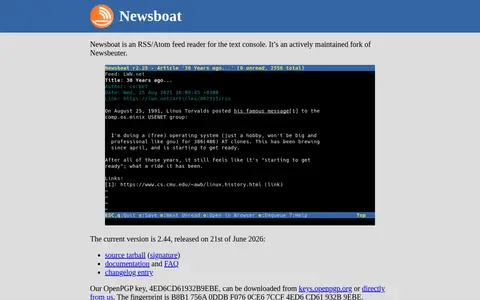
Newsboat is an RSS/Atom feed reader for the text console, described as an actively maintained fork of Newsbeuter. The documentation states it is designed for text terminals on Unix or Unix-like systems such as GNU/Linux, FreeBSD or Mac OS X; it has been tested on Linux, FreeBSD and Mac OS X, while NetBSD is not supported.

Linux & macOS Tools 0
oils.pub

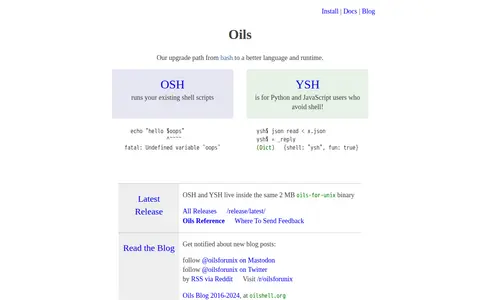
Oils is a project offering OSH, which runs existing shell scripts, and YSH, intended for Python and JavaScript users who avoid shell. Both live inside the same 2 MB oils-for-unix binary. Published documentation includes a getting-started guide, a YSH tour, an Oils reference, and comparisons of YSH with shell idioms.

Linux & macOS Tools 0
openwrt.org

The OpenWrt Project is a Linux operating system targeting embedded devices. It provides a fully writable filesystem with package management rather than a single static firmware, allowing devices to be customized through packages. Current stable series is OpenWrt 25.12, with 24.10 as the old stable series. Source code is stored in a git tree.

Linux & macOS Tools 0
starship.rs

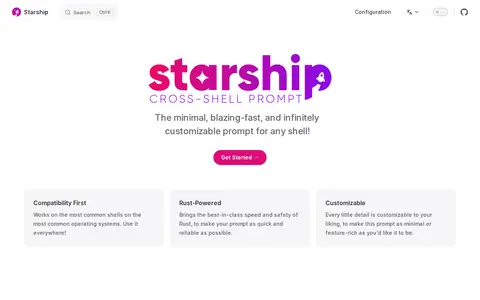
Starship is a minimal and customizable prompt for any shell that shows the information the user needs. Quick installation is available for Bash, Fish, ZSH, Ion, Tcsh, Elvish, Nu, Xonsh, Cmd, and PowerShell. It is written in Rust and works on the most common shells and operating systems.

Linux & macOS Tools 0
terminal.guide

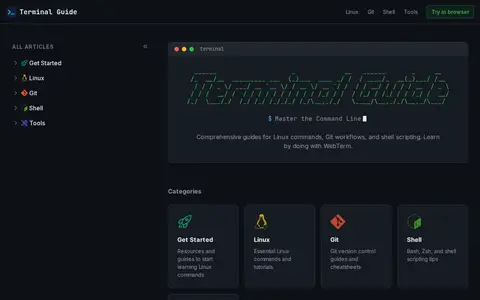
Terminal Guide offers guides and tutorials for learning Linux commands, Git, and shell scripting. It covers categories including Get Started, Linux, Git, Shell, and Tools. Featured articles include a grep command guide, a Git cheatsheet, and shell basics.

Linux & macOS Tools 0
tldr.inbrowser.app

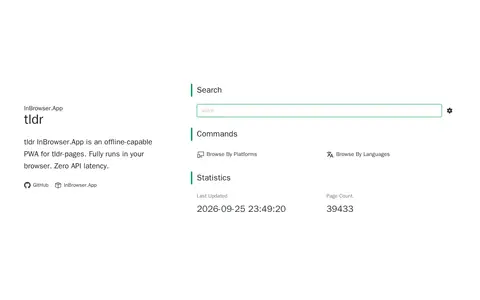
tldr is a Linux, macOS, BSD, or Unix resource for tools, documentation, communities, or system workflows.

Linux & macOS Tools 0
wezterm.org

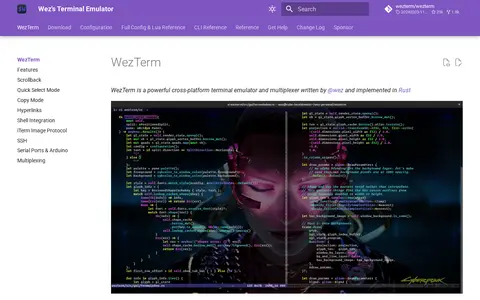
WezTerm is a cross-platform terminal emulator and multiplexer written in Rust. It runs on Linux, macOS, Windows 10, FreeBSD and NetBSD, and can multiplex terminal panes, tabs and windows on local and remote hosts with native mouse and scrollback support. It also offers ligatures, color emoji, font fallback, true color, dynamic color schemes and hyperlinks.

Linux & macOS Tools 0

Compare listed projects

Details from each project's website. Open a listing for its full overview.

AltBox

Features

  • A catalog of 134 alternative power tools for the Linux/Unix/macOS command line Source: altbox.dev