How to Create Linear Issue Templates
How to create Linear issue templates for bugs and requests: choose team or workspace scope, add required fields and fix defaults missing for teammates.
On this page
Create Linear issue templates from workspace or team settings, then apply one while filing an issue. You need access to the appropriate settings and a clear idea of the information each request needs. This guide uses a bug-report example and separates a reusable description from a form with required fields.
How to create Linear issue templates with the right default
Form templates can be selected by teammates, but Linear only lets them serve as automatic defaults for people outside that team. A form that works when you pick it manually may therefore stay absent from a teammate's new-issue screen. That limitation is easy to mistake for a broken template.
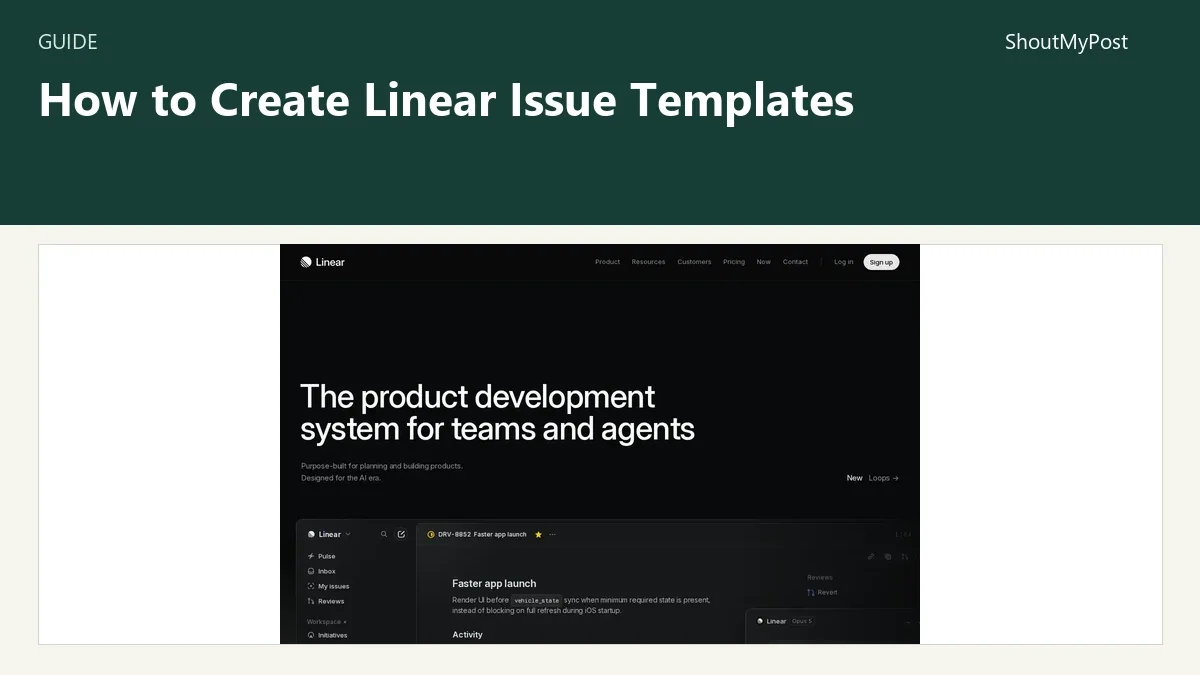
The Linear project page links to the service. Its issue-template documentation explains scope, form fields and defaults. My recommendation is to build one short template first, confirm where it appears and only then add more fields.
1. Choose a team or workspace template
Open Workspace settings > Templates for a template that can be used across teams. Open Team settings > Templates for one tied to a specific team.
A workspace template can't preset that team's particular labels or statuses. A team template can. For example, a bug report for your mobile app could belong to the mobile team and arrive with its Bug label. A general research note used by several teams could remain a workspace template.
Write down the intended destination before building the form. If a template called Website bug always goes to the website team, its name and scope tell the same story. If it can land anywhere, avoid filling its instructions with references to a team-specific status the requester may never see.
2. Use a standard description for a simple repeated task
A standard template can preset issue properties and provide a description. Select text in that description and use Aa in the formatting bar to make placeholder text.
For a small bug-report example, the description could ask for the affected page, what happened and what should have happened. Add an example answer in plain language, such as “The signup confirmation stays blank after submitting the form.” That is a sample report, not a real incident.
Placeholders prompt the writer; they aren't the same as required form fields. A small team with a shared habit of writing clear reports may prefer this less structured route. A template that asks for a long essay before every tiny fix can slow down issue filing more than it helps the person doing the work.
3. Choose a form when missing information blocks the work
Linear's November 2025 Form templates announcement confirms that these templates are available on all plans. When adding a new issue template, choose Form for structured input.
Use Text for a short answer, Long text for reproduction steps, Dropdown for one option, Checkboxes for multiple choices, and Instructions for static guidance. Any input field can be required. Property fields such as title or priority write directly to the issue property instead of only appearing in its description.
For the example bug report, make reproduction steps required if a person cannot investigate without them. Keep an optional notes field for context that won't exist in every report. A required field with no reasonable answer encourages people to type a meaningless placeholder just to get through it.
Name the fields as questions people can answer. “Which page is affected?” is easier to complete than “Impact context.” A short instruction can explain that the report should include a page address, without adding a separate mandatory field for every possible device detail.
4. Set properties that actually belong to this request
Set the team, status or label defaults that help route the example request. Don't assign every bug to one person merely because the template makes that possible. The assigned owner should reflect how your team handles incoming reports.
If you need the submitter to choose a property, use a property field. For instance, a priority input should change the priority property, while a free-text note about urgency stays descriptive text. Those two forms of input support different ways of filtering the resulting work.
Keep the first template narrow. A Website bug form and an Access request form can ask different questions. Combining them into one form often forces the requester to explain why half the fields don't apply.
5. Apply the template to a new issue
Use Option/Alt + C to create an issue from a template. You can also choose Template beside the team name in the issue-creation window.
The selected template should show its description or fields and preset the intended properties. Complete the example as a requester would, then check the resulting issue's team, title and labels. The point of this check is to see whether the person receiving it has enough information to start.
Linear's issue-creation documentation also explains a reusable link: open the template's three-dot menu under Settings > Team > Templates and choose Copy URL to create issue from template. Put that link beside the place where colleagues are likely to report this particular problem.
6. Configure the right audience for a default
Return to the team's template settings and set the defaults for team members or nonmembers. Apply the audience limit explained in the first section when choosing a form.
A person filing a bug through a template link already has an explicit starting point. An automatic default is most helpful when every new issue from that audience should begin with the same description. For a team handling many kinds of work, making one bug-report description appear everywhere can create cleanup work.
Problems people run into
An October 8, 2026 Linear discussion asks for a form answer to appear automatically inside the title. A Linear reply says templates don't currently substitute a field value into the title; a Loop can update it after creation. Use a title property field when the submitter needs to enter the title directly.
An April 2025 required-fields discussion shows why people wanted stronger input rules. Linear's later form-template release addresses required form input. Don't follow an older answer about standard descriptions as if it describes the current Form option.
| Problem | Cause | Fix |
|---|---|---|
| Template isn't listed | The issue belongs to another team | Choose the intended team before selecting Template |
| Status or label can't be preset | The template has workspace scope | Use a team template for team-specific properties |
| Template disappears in a sub-issue | It already contains sub-issues | Choose a template without nested sub-issues |
| A required answer doesn't enter the title | Generic input becomes description content | Use the title property field or a documented after-creation workflow |
Variations for different entry points
For an internal bug report, start with a team template and a few clear fields. For a request shared across teams, use a workspace standard template and leave team-specific choices to the person filing it.
For Slack intake, Linear supports selecting form templates through its Slack integration. Asks is a separate intake route with plan-specific access. A working template inside Linear doesn't automatically publish that form to every integration; add it through the integration's own settings.
Completion checklist and next steps
- The template appears for the intended team and audience.
- Required inputs ask for information the requester can supply.
- The created issue has the intended property values.
- A linked entry point opens the correct template.
Asana is another route for general team projects. Airtable fits requests connected to structured records, while TickTick fits a personal task list. Browse Development & Technology and the directory search when the work needs a different tool.
Sources
Linear Issue templates, Issues, Teams, issue properties and the November 20, 2025 Form templates announcement; the two linked community discussions. Official facts checked October 9, 2026.
Related articles
Directory
Listings in this article
-
Linear
Linear is a product development system purpose-built for planning and building products with AI agent support. It is designed for modern teams with AI workflows at its core, and includes features such as faster app launch, agent task management, and agent insights to streamline product development.